
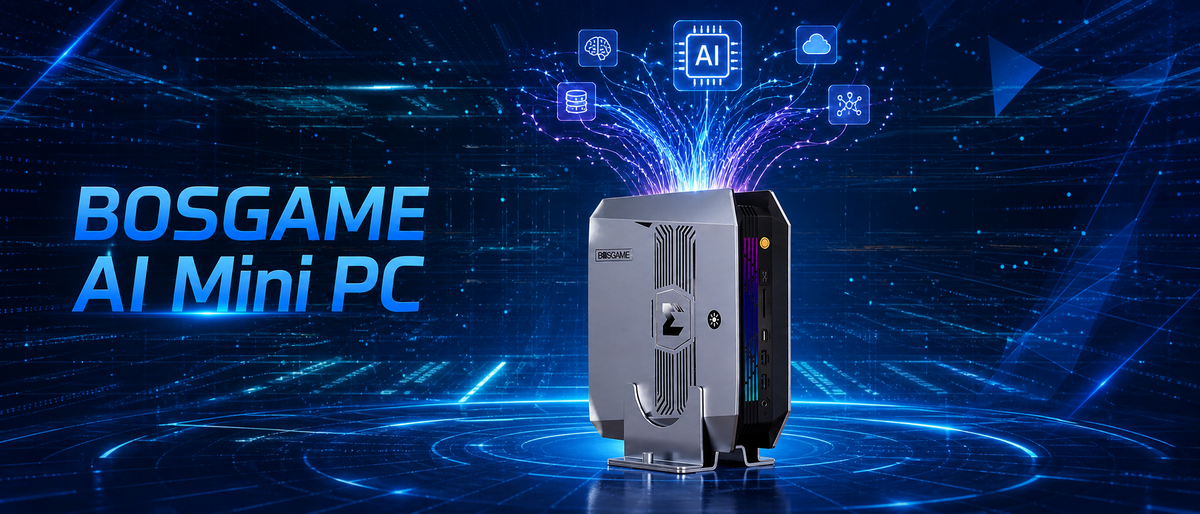
Local AI is getting more realistic as mini PCs ship with stronger processors, better graphics, and larger memory pools. Rather than depending fully on cloud platforms, you can run AI models at home or in the office and keep your data on hardware you control. An AI mini PC delivers this in a small desktop form factor, yet not every compact machine can cope with heavy AI workloads. This guide covers the factors that matter most when shopping for the best mini PC for AI, so you can match the hardware to the models you plan to use.
What Is an AI Mini PC?
An AI mini PC is a small desktop computer capable of running AI tasks locally, including large language model inference, image generation, and speech recognition, with no need for a cloud connection. Three components divide the work. The CPU takes care of everyday tasks and manages the rest of the system. The GPU, designed for parallel computing, frequently carries most of the load for demanding models. The NPU (neural processing unit) is a specialized chip that handles particular AI tasks efficiently while using little power. How well these three cooperate determines how smoothly a mini PC performs AI work.
What to Look for in the Best Mini PC for AI
AI performance varies widely between mini PCs. Specs that hardly matter for office use, such as memory capacity and bandwidth, can determine whether a model runs comfortably or struggles to run at all. Before buying a mini PC for AI, review the five factors below, beginning with the one that tends to matter most.
Memory (RAM and Unified Memory)
Memory is usually the first bottleneck in local AI, since a model typically has to fit inside it to perform well. When comparing the best mini PC for AI options, consider both capacity and architecture. On capacity, 16GB works for smaller models, while 32GB or more gives you headroom for bigger ones. On architecture, unified memory lets the CPU and GPU draw from a single shared pool, making more of the total available to AI tasks.
Processor and NPU
A mini PC for AI workloads generally includes a CPU, a GPU, and frequently an NPU. The NPU is made to run specific AI tasks at low power with high efficiency, whereas the GPU is normally the better choice for heavier work like running larger language models. Keep in mind that software support is uneven: some AI applications don't use the NPU at all, so verify what your favorite tools can actually leverage.
Memory Bandwidth and GPU Memory
Two systems with identical memory capacity may not perform the same. Memory bandwidth, the speed at which data travels between memory and the processor, has a major effect on how quickly a model produces responses. Faster memory paired with a capable GPU usually improves results. When a spec sheet lists bandwidth or dedicated video memory, treat those figures as a valuable indicator beyond raw capacity.
Storage
AI model files are big, and a single one may range from a few gigabytes to more than 60GB. Experimenting with several can quickly fill a small drive, so 1TB or 2TB is a reasonable place to start. Capacity is just one side of it. A fast NVMe SSD is recommended for speed, because it shortens model loading times. It's also smart to confirm there is an accessible M.2 slot, which lets you expand storage later without swapping the entire drive.
Cooling and Sustained Performance
AI inference can push a processor hard for extended periods, so cooling is more critical in a compact mini PC for AI than in a standard office computer. Cooling design decides whether performance holds steady or declines as temperatures climb. Seek out specs or reviews that discuss sustained performance, not just peak figures.
Best Mini PCs for AI from BOSGAME
The right mini PC for AI depends chiefly on how large the models are that you intend to run locally. The two BOSGAME models below cover different ends of that range: one suited to mid-size models, the other to large models that need abundant memory.
BOSGAME VTA-439: Best for Running Mid-size Models Locally
The VTA-439 combines an AMD Ryzen AI 9 HX 470 processor, Radeon 890M graphics, and a dedicated NPU, reaching a total of 86 TOPS of AI compute, with 55 TOPS coming from the NPU. It handles mid-size models of roughly 14B parameters locally with ease. Its three M.2 NVMe slots provide ample space for model files, and an Oculink port makes it possible to add external graphics down the road.
BOSGAME M5: Best for Running Larger Models Locally
The M5 is powered by the AMD Ryzen AI Max+ 395, featuring 16 cores, Radeon 8060S graphics, and a 50 TOPS NPU, totaling 126 TOPS of compute. It offers up to 128GB of LPDDR5X memory that is dynamically shared with the GPU, enabling it to run large models of up to about 120B parameters locally. It targets developers and creators who want to work with large models right at their own desk.
Conclusion
Running AI models locally is attracting more and more users, and the reasons are clear. Your data remains on your own device, you avoid per-use charges, and you can experiment freely at your own pace. For many people, a mini PC for AI is a practical way to bring local AI capabilities to the desktop. Browse BOSGAME to find the model that suits your next project.


Leave a comment
All comments are moderated before being published.
This site is protected by hCaptcha and the hCaptcha Privacy Policy and Terms of Service apply.