
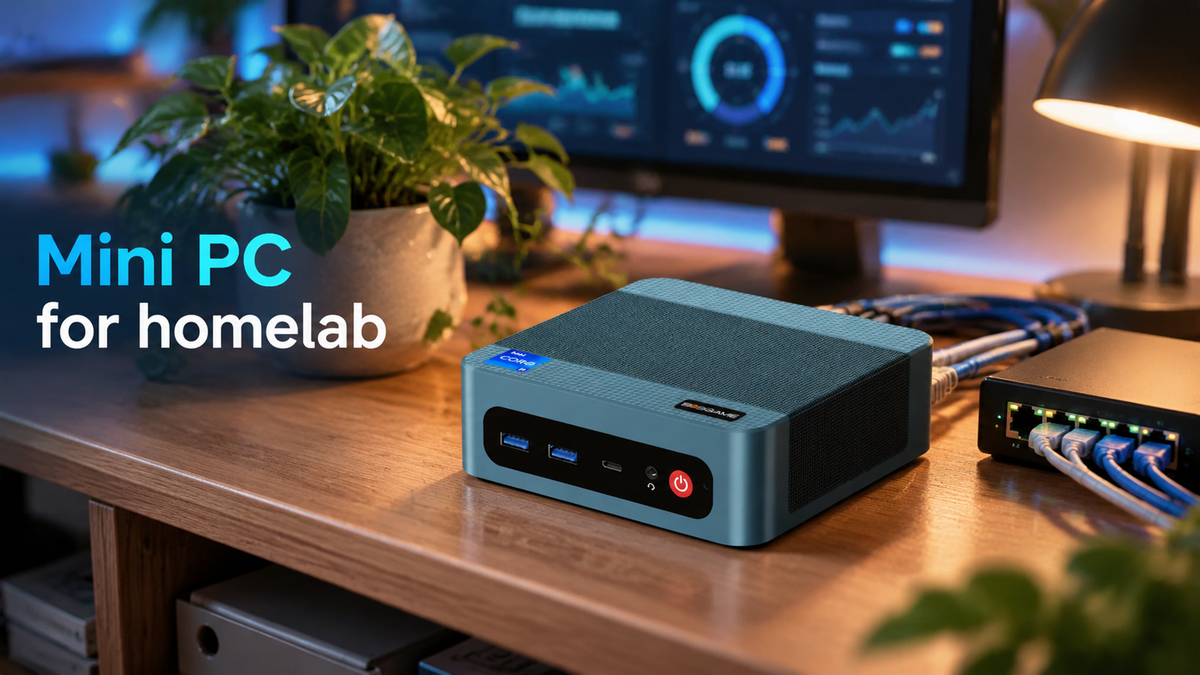
A homelab is a small server environment you build at home to host your own services and learn how they work. More and more people are choosing a mini PC for homelab use because it is compact, quiet, and energy-efficient enough to run 24/7. This guide covers what you can run on one and what to look for before you buy.
Why Use a Mini PC for Homelab?
A homelab usually runs around the clock, so the hardware needs to be efficient, quiet, and easy to fit into your space. Mini PCs meet those needs well.
Low power consumption
Mini PCs are built around efficient processors, so they draw far less power than a tower server or a desktop. For a machine that stays on 24/7, that keeps your electricity bill under control and makes always-on services practical for home use.
Compact size
A mini PC is small enough to sit on a bookshelf, behind a monitor, or inside a network cabinet. You don't need a dedicated server room or a rack, which makes it a good fit for apartments and smaller homes.
Quiet operation
Many mini PCs run with very little noise, so you can keep one in a living room, bedroom, or home office without being bothered by fan sound. This matters more than most people expect when a machine is never switched off.
Low entry cost and easy scaling
A single mini PC is enough to get started with your homelab. You can begin with the hardware needed for a few services and add more storage, memory, or another mini PC as your workloads grow. This makes it easy to expand your homelab gradually instead of upgrading everything at once.
What Can You Run on a Mini PC Homelab?
A mini PC homelab can do much more than run a single application. Depending on your hardware, it can serve as a media server, smart home hub, private cloud, network service host, or virtualization platform—all from one compact machine. The right setup depends on how many services you want to run and how demanding they are.
Media Server
A mini PC for homelab can act as a centralized media server for storing and streaming movies, shows, and music across your home. Plex and Jellyfin are popular choices for managing your library. Direct playback is lightweight, while video transcoding requires more CPU power or hardware acceleration.
Smart Home Services
A mini PC homelab can serve as the central hub for your smart home, allowing you to manage devices and run automations locally. Home Assistant is a popular option for connecting lights, sensors, cameras, and other devices. Its low resource requirements make it suitable for running alongside other homelab services.
Virtual Machines and Containers
A mini PC for homelab can provide a flexible environment for testing software, learning new systems, or running multiple services. Proxmox lets you run virtual machines and containers on a single device. Because several environments may run simultaneously, virtualization benefits from more CPU cores and RAM.
Network & Storage Services
Essential network and storage tasks can also be handled by a mini PC homelab. Pi-hole can block ads across your network, a VPN can provide remote access, and Nextcloud can provide private cloud storage. These services are generally lightweight, although storage capacity becomes more important as you add files, media, and backups.
What to Look for in a Homelab Mini PC?
Specs matter more for a homelab than for a typical desktop, because the machine runs nonstop and often hosts several services at once. When choosing a mini PC for homelab use, there are six important factors you should pay attention to.
CPU
CPU performance matters in a mini PC for homelab, because multiple services, containers, and virtual machines may run at the same time. Check the core and thread count, and make sure the processor supports virtualization, such as Intel VT-x or AMD-V. For 24/7 use, also consider power efficiency to help keep long-term electricity costs under control.
RAM
RAM is often the first limit in a homelab, since every virtual machine and container takes its share. Check the maximum supported capacity and whether the memory is upgradable or soldered, as soldered memory cannot be expanded later. DDR5 offers higher bandwidth, but DDR4 is still capable for most workloads. For light homelab workloads, 16GB can be a practical starting point, while 32GB or more provides more room for virtualization and multiple services.
Storage
Storage needs can grow quickly in a homelab as you add applications, virtual machines, media, and backups. Check how many M.2 slots the mini PC has and whether it supports SATA or 2.5-inch drives. Multiple drive slots give you more flexibility to separate system, VM, and data storage, while also making future upgrades easier.
Networking
Networking is important for a homelab that handles large backups, file transfers, media streaming, or network storage. A 2.5GbE port provides up to 2.5 times the theoretical bandwidth of Gigabit Ethernet. Dual LAN ports can also be useful for running a router or firewall, or separating home and lab traffic.
Cooling & Noise
A homelab often runs continuously, so effective cooling is important for maintaining stable performance under sustained workloads. A well-designed cooling system can also help keep fan speeds and noise under control. This is especially useful when the mini PC is placed in a bedroom, home office, or other living area.
Ports & Expansion
Ports and expansion options are also important when choosing a mini PC for homelab use. Enough USB ports can support external storage, UPS monitoring, and other peripherals. Depending on your setup, also look for additional LAN ports, M.2 slots, SATA support, or other expansion options for future upgrades.
Conclusion
A mini PC can provide a compact and efficient foundation for a homelab. Before choosing one, match its CPU, RAM, storage, and networking capabilities to the services you plan to run. Explore BOSGAME mini PCs to find a model suited to your homelab setup.


Leave a comment
All comments are moderated before being published.
This site is protected by hCaptcha and the hCaptcha Privacy Policy and Terms of Service apply.