
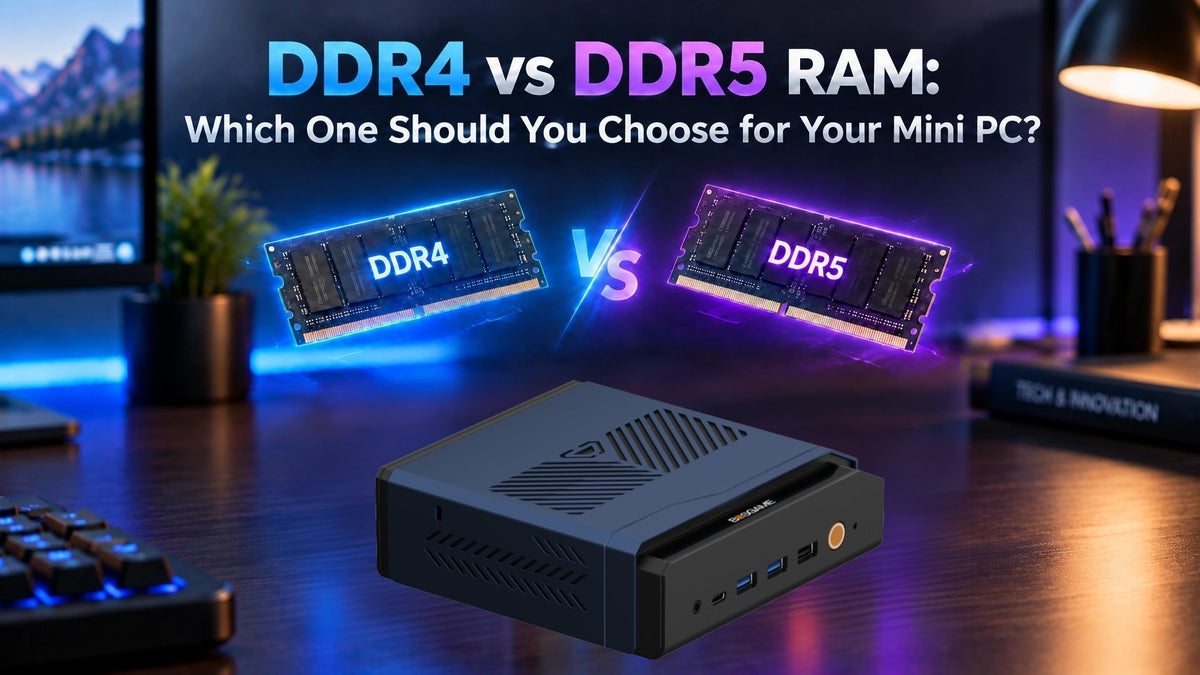
When shopping for a Mini PC, the processor often gets the most attention. But memory matters too. RAM helps your computer keep applications running, switch between tasks, and handle data quickly. Two common options are DDR4 and DDR5. Both can deliver a smooth experience, but they are designed with different performance levels and budgets in mind. So which should you choose?
What Is the Difference Between DDR4 and DDR5?
DDR stands for Double Data Rate, a type of memory used in modern computers. DDR5 is a newer generation than DDR4. Its biggest advantage is higher potential data transfer rates, also called memory bandwidth. This means DDR5 can move more data between the processor and memory in the same amount of time, provided the platform supports it.
DDR4 is not outdated for everyday computing, however. It remains capable of handling web browsing, office applications, video calls, streaming, and plenty of other tasks. DDR5 offers more bandwidth for workloads that benefit from it, but it doesn't make every program noticeably faster. Actual performance also depends on the processor, memory capacity, configuration, and software.
Does DDR5 Make a Mini PC Faster?
Sometimes, particularly when the integrated graphics processor shares system memory. Unlike a dedicated graphics card with its own video memory, integrated graphics typically rely on the Mini PC's RAM. Higher memory bandwidth can help feed the graphics processor with data during gaming or visually demanding work.
For example, a Mini PC used for spreadsheets and video meetings may show little noticeable difference between well-configured DDR4 and DDR5 systems. A Mini PC used for certain games or creative applications may benefit more from DDR5. Even then, the CPU and graphics architecture matter, so comparing two different Mini PCs is never just a memory-speed test.
Does RAM Capacity Matter More Than Speed?
Memory generation is only part of the story. Capacity determines how much active work your Mini PC can comfortably keep in memory. If your workload regularly uses more RAM than is available, the system may rely on slower storage and feel less responsive.
For everyday office work, 16GB is a practical starting point for many users. People who frequently work with large projects, numerous browser tabs, or demanding creative software may want 32GB or more, depending on their needs. A DDR4 system with enough memory can feel smoother than a DDR5 system that runs short of capacity. Check your typical workload before focusing on the newer label.
Which BOSGAME Mini PC Should You Consider?
The BOSGAME P4 Ultra is an example of a DDR4-based Mini PC designed for practical daily use. It combines an AMD Ryzen 7 7730U processor with 16GB DDR4-3200 memory and a 1TB NVMe SSD. For users mainly working on documents, browsing the web, attending meetings, or managing multiple ordinary applications, this configuration offers a sensible balance of capability and cost.
If gaming, graphics, or heavier multitasking are higher priorities, take a look at the BOSGAME VTA-439. As an AI PC, it pairs an AMD Ryzen AI 9 HX 470 with DDR5 SO-DIMM memory available in 8GB, 16GB, 32GB, or 64GB configurations (up to 5600 MT/s) and integrated Radeon 890M graphics, making it suitable for AI-assisted productivity, creative workloads, and more demanding computing tasks. DDR5's additional bandwidth is particularly relevant in a system with capable integrated graphics, although gaming results still depend on the title, settings, and overall hardware design.
These two models illustrate different approaches rather than a controlled DDR4-versus-DDR5 benchmark. Their processors and graphics also differ, so any performance gap cannot be attributed to RAM alone.
Can You Upgrade from DDR4 to DDR5?
Not by simply swapping memory modules. DDR4 and DDR5 have different electrical and physical designs, and a Mini PC motherboard is built for a specific memory standard. Even if your Mini PC has replaceable SO-DIMM modules, you must use a compatible type. Some compact computers use soldered memory instead, which cannot be replaced in the usual way.
Before buying memory, check the exact model specifications, supported capacity, and whether upgrades are possible. For a new Mini PC, it is often easier to choose the right memory platform from the start.
Conclusion
DDR4 remains a good fit for general productivity and value-focused setups. DDR5 makes more sense when you want higher memory bandwidth, especially for integrated graphics and workloads that can use it. Neither generation should be judged in isolation: capacity, CPU, cooling, storage, and price all shape the experience.
Explore the BOSGAME P4 Ultra if your priority is reliable everyday computing, or the BOSGAME VTA-439 if you want a more graphics-focused AI PC configuration. The best Mini PC is the one whose complete hardware package matches how you actually plan to use it.


Leave a comment
All comments are moderated before being published.
This site is protected by hCaptcha and the hCaptcha Privacy Policy and Terms of Service apply.