
What Separates an AI PC From a Traditional Computer?
An AI PC is not simply a computer with AI features added on top. The difference comes from the hardware architecture designed to process AI workloads more efficiently.
As AI becomes increasingly integrated into everyday computing, users expect their PCs to support more intelligent features, including real-time assistance, video enhancement, voice processing, and on-device AI applications.
However, these experiences require continuous AI calculations that can place additional pressure on traditional processors. To handle these workloads more efficiently, modern AI PCs introduce dedicated AI acceleration hardware.
This is where the Neural Processing Unit (NPU) becomes important.
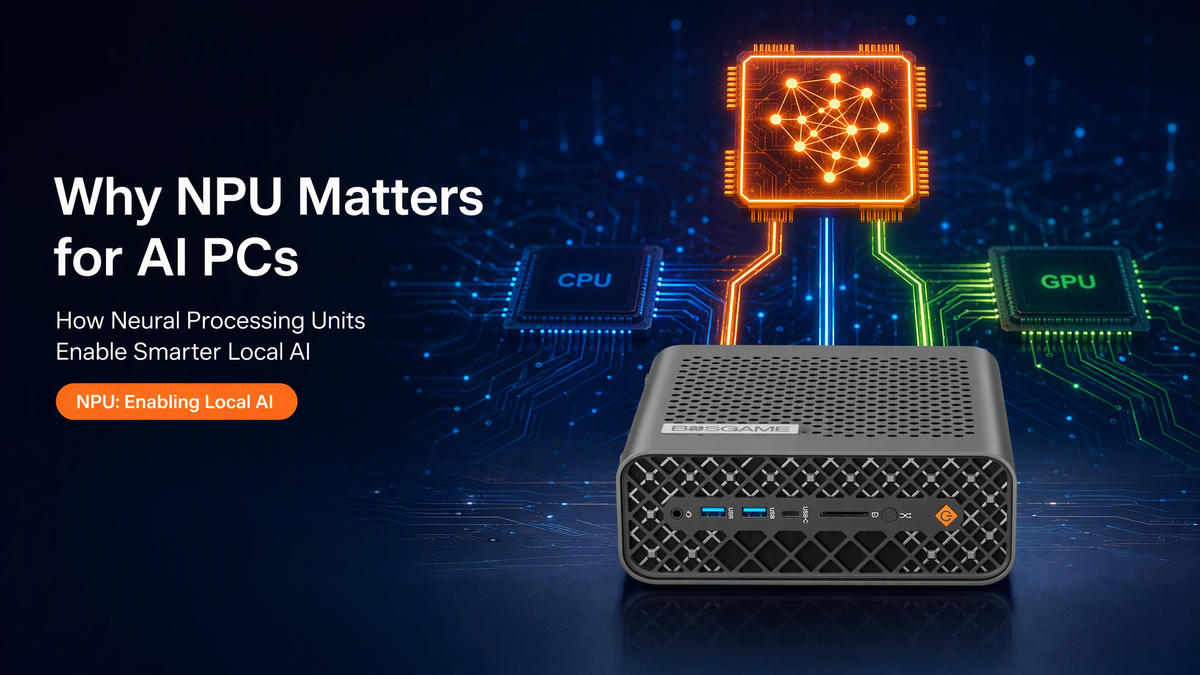
An NPU is a dedicated processor designed specifically for AI inference — the process of using trained AI models to perform tasks. By handling supported AI workloads separately, the NPU allows the CPU and GPU to focus on other tasks while improving overall system efficiency.
Why AI Workloads Need Dedicated Processing
CPUs and GPUs are already capable of handling many AI-related tasks. However, modern AI applications often require frequent and continuous calculations that can compete with other system operations.
For example, using AI features during a video conference while editing files or running multiple applications creates additional workload pressure. Without dedicated AI acceleration, these tasks may rely heavily on the CPU or GPU, potentially affecting responsiveness and power efficiency.
When AI workloads are handled mainly by the CPU, system resources may become limited during multitasking. When the GPU manages AI tasks, it may compete with graphics-intensive applications such as gaming, video editing, and 3D rendering.
The purpose of an NPU is not to replace the CPU or GPU. Instead, it works alongside them by providing a dedicated processing path for supported AI workloads.
A smarter AI PC is not simply about having more computing power. It is about using the right processor for the right task.
CPU, GPU, and NPU: How They Work Together
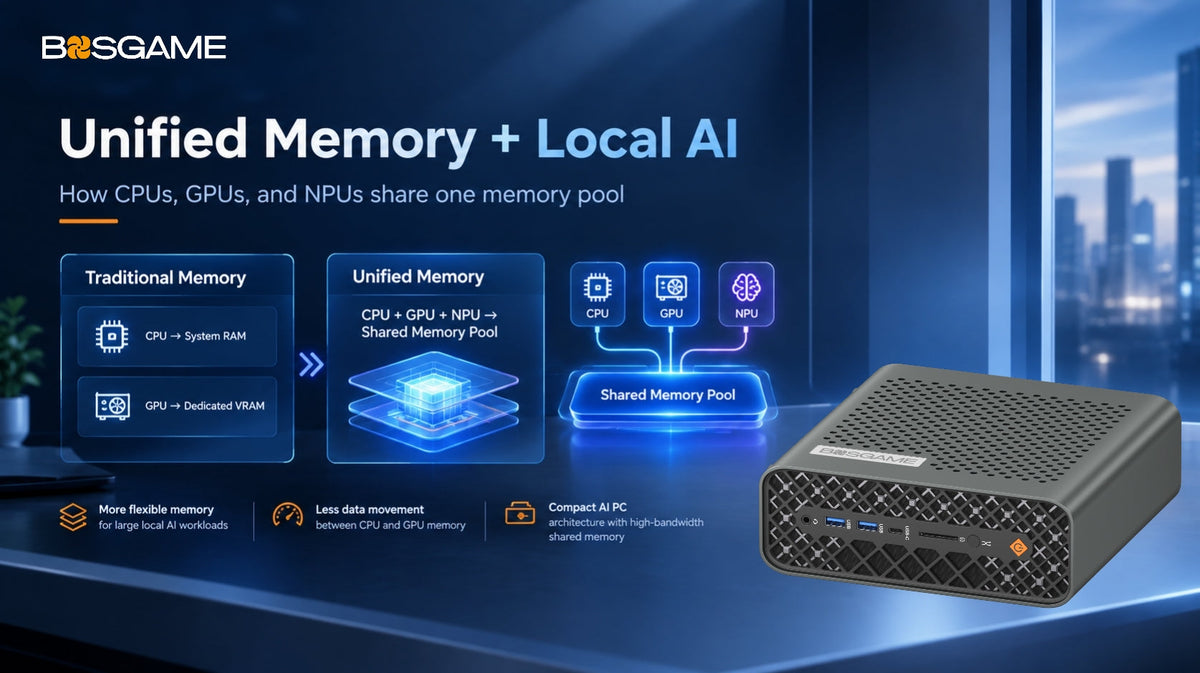
Modern AI PCs rely on cooperation between three different computing engines: CPU, GPU, and NPU.
The CPU remains responsible for general computing tasks, application management, and system operations. It provides the foundation for everyday PC usage.
The GPU specializes in parallel processing. It is widely used for graphics rendering, video editing, creative applications, technical workloads, and AI tasks that require large-scale computing resources.
The NPU focuses on efficient AI inference. Instead of using the CPU or GPU for every AI-related operation, supported AI workloads can be processed through the NPU with lower power consumption and improved efficiency.
Together, these three processing units create a balanced architecture where each component handles the workloads it is best designed for.
What Benefits Does an NPU Bring to Everyday Users?
The value of an NPU is not only measured by technical specifications. Its real advantage is making AI features more practical in daily use.
During video meetings, AI-powered features such as background effects, image improvement, and voice enhancement often need to run in real time. An NPU can help process these tasks more efficiently while allowing other applications to continue running smoothly.
Another important benefit is supporting local AI processing.
Many cloud-based AI services require data to be uploaded to external servers. For personal files, private documents, creative projects, or business information, some users prefer keeping their data on their own devices.
With local AI capabilities, supported AI workloads can run directly on the computer, providing users with greater control over their data and reducing dependence on cloud processing.
Why AI Mini PCs Benefit From NPU Technology
Compact computers face unique design challenges. Compared with larger desktop systems, Mini PCs have more limited space for cooling solutions and power delivery.
Because of these limitations, efficiency becomes especially important.
An NPU provides dedicated AI processing capability without requiring all AI workloads to rely on CPU or GPU resources. This helps AI Mini PCs achieve a better balance between performance, power efficiency, and compact design.
For small-form-factor systems, intelligent workload distribution can be just as important as raw hardware performance.
How BOSGAME AI PCs Support Local AI Experiences
AI computing is no longer limited to large workstations. More users are looking for compact systems that can support AI applications while maintaining a clean desktop setup.
BOSGAME AI PCs combine compact designs with advanced computing technologies to support applications such as local AI inference, content creation, productivity, and professional workflows.
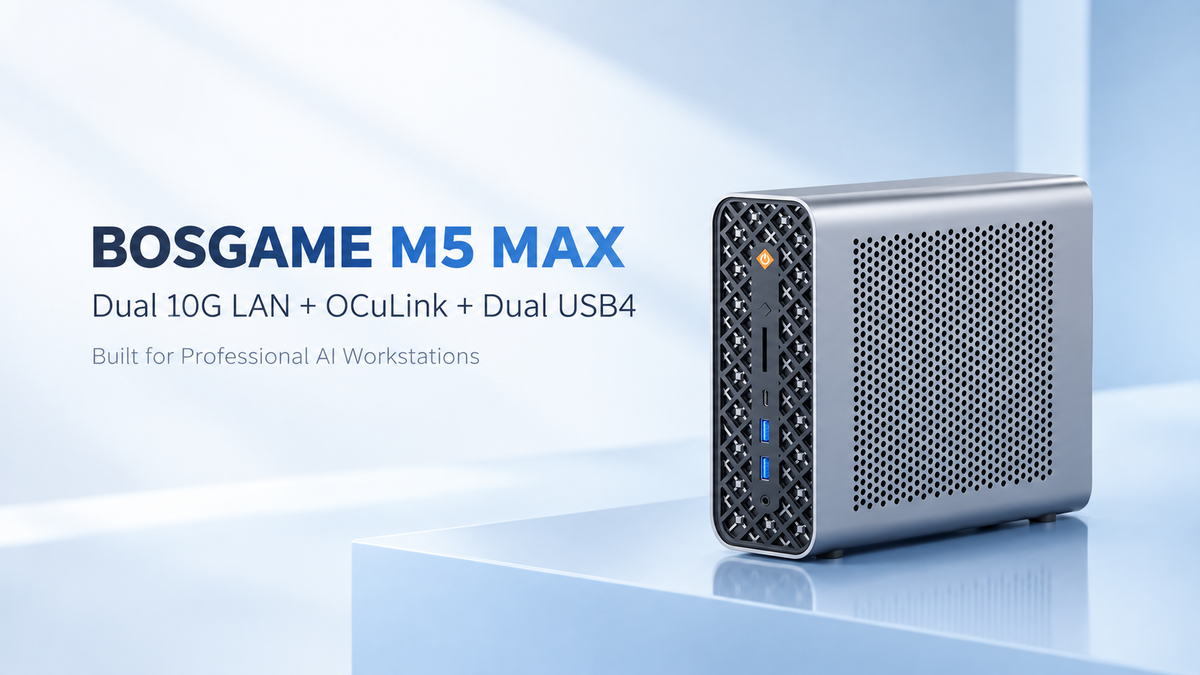
The BOSGAME M5 MAX, powered by the AMD Ryzen AI Max+ PRO 495 processor, brings advanced AI computing capabilities into a compact Mini PC platform.
By combining powerful processing performance, AI acceleration, and efficient system design, BOSGAME AI PCs provide a practical solution for users exploring the possibilities of local AI.
Conclusion
The future of AI computing is not only about increasing hardware performance. It is about building smarter systems that can distribute workloads efficiently across different processing units.
The NPU plays an important role in this evolution by enabling more efficient AI processing and helping bring local AI features into everyday computing.
As AI becomes a larger part of modern workflows, the combination of CPU, GPU, and NPU will define how future AI PCs deliver faster, smarter, and more efficient experiences.
For compact systems like BOSGAME AI Mini PCs, efficient AI acceleration provides a new way to bring advanced AI capabilities into smaller desktop environments.

Leave a comment
All comments are moderated before being published.
This site is protected by hCaptcha and the hCaptcha Privacy Policy and Terms of Service apply.