

If you have seen the term “AI PC” on a laptop box, product page, or spec sheet, you may have wondered what it actually means. The short answer is that an AI PC is a computer designed to run AI features more efficiently, usually by including dedicated hardware such as an NPU for local AI processing.
The idea behind an AI PC is simple: instead of sending every AI task to the cloud, the computer can handle more of that work on the device itself. That matters because it can improve speed, reduce reliance on an internet connection, and support a more private experience for certain tasks.
This article explains what an AI PC is, how it works, how it differs from a regular PC, and what to look for when comparing specs. It also clarifies terms like "NPU," "TOPS," and "Copilot+ PC" so the category is easier to understand.
What Is an AI PC?
An AI PC is a computer built to run AI workloads locally and efficiently, rather than relying entirely on cloud services. In most cases, that means the system includes an NPU, or Neural Processing Unit, alongside the CPU and GPU.
A regular PC can still run AI features, but it usually does so by using the CPU or GPU or by sending the task to a cloud server. An AI PC adds hardware specifically meant for AI tasks, which is why it can handle certain features more smoothly and with less power.
The most important thing to understand is that an AI PC is not an entirely new kind of computer. It is still a PC, but one with additional hardware support for modern AI workloads.
The Hardware Behind an AI PC
A PC has three main processing parts relevant here: the CPU, the GPU, and the NPU.
|
Component |
Main Role |
What It Does Well |
|
CPU |
General-purpose computing |
Handles everyday tasks such as browsing, office work, and app management |
|
GPU |
Graphics and parallel processing |
Supports gaming, visual workloads, and many AI-related computations |
|
NPU |
Dedicated AI processing |
Handles AI workloads efficiently, especially repeated or always-on tasks |
What Is TOPS?
TOPS stands for Trillion Operations Per Second. It is a way to describe how much AI-related work an NPU can process in a given amount of time.
In simple terms, a higher TOPS rating usually means the chip can handle more AI tasks on its own. That can translate into better support for features like real-time captions, local assistants, or image enhancements.
However, TOPS is not the whole story. A high TOPS number does not automatically mean the whole computer is faster in every situation. General performance still depends on the CPU, GPU, memory, storage, and software optimization.
What Is Copilot+ PC?
Copilot+ PC is Microsoft’s certification for a specific class of AI-capable computers. It is not the same thing as the broader term “AI PC.”
To qualify as a Copilot+ PC, a machine must meet Microsoft’s hardware requirements, including an NPU rated at 40 TOPS or higher. This helps ensure the device can support Microsoft’s fuller set of on-device AI features.
That distinction matters because a computer can have an NPU and still not meet the Copilot+ standard. In other words, not every AI PC is a Copilot+ PC, even though the two terms are often used loosely in marketing.
AI PC vs. Regular PC
The biggest difference between an AI PC and a regular PC is where AI processing happens.
|
Aspect |
Regular PC |
AI PC |
|
AI Processing Location |
Often handled in the cloud or through the CPU/GPU |
Can be handled locally by the NPU for supported tasks |
|
Internet Dependence |
Usually depends on a stable internet connection |
Can keep many supported AI features working even with slow or no internet |
|
Speed and Responsiveness |
May be slower because of cloud round trips |
Can feel faster for on-device AI tasks |
|
Data Handling |
Data may need to leave the device for processing |
More tasks can stay on the device |
|
Best for |
General computing and cloud-based AI services |
Frequent, lightweight, and latency-sensitive AI features |
On a regular PC, many AI features depend on the cloud. Your prompt or request is sent to a remote server, processed there, and then the result is sent back. This can work well, but it depends on a stable internet connection and may involve sending data outside your device.
On an AI PC, the NPU can handle a meaningful amount of that work locally. That can make supported features faster, more responsive, and available even when the internet is slow or unavailable.
That said, an AI PC does not replace the cloud entirely. Large AI models and heavier workloads still often run best on cloud infrastructure, while the NPU is best suited for smaller, frequent, and latency-sensitive tasks.
What Can You Do With an AI PC?
The exact features depend on the processor, operating system, and software support, but many AI PCs are designed for tasks such as the following:
|
Use Case |
What It Does |
Why It Helps |
|
Real-time captions and live translation |
Generates captions or translations during calls and video playback |
Improves accessibility and communication |
|
Background blur and eye contact correction |
Enhances video calls on device |
Creates a cleaner meeting experience |
|
Local AI assistants and chatbots |
Runs AI prompts without sending every request to a server |
Can improve privacy and responsiveness |
|
Photo and image editing |
Handles tasks like object removal or upscaling |
Speeds up creative workflows |
|
Voice-to-text transcription |
Converts speech to text, sometimes offline |
Supports note-taking and productivity |
These features are useful because they shift everyday AI tasks closer to the user. In practice, that can mean faster response times, lower power use, and a more seamless experience.
Who Should Consider an AI PC?
An AI PC is not equally important for every user, but it can be especially useful for a few groups.
|
User Type |
Why AI PC Helps |
|
Frequent video call users |
Supports captions, translation, and background effects more smoothly |
|
Content creators |
Helps with AI-assisted photo and video tools |
|
Privacy-conscious users |
Lets more tasks stay on the device |
|
Users with unreliable internet |
Keeps some AI functions available offline |
|
Mini PC users |
Brings next-gen AI capability into compact systems |
If you spend a lot of time on video calls, the local processing can help with captions, translation, and background effects. If you work with sensitive information, you may also value features that do not need to send data to an outside server.
AI PCs can also be appealing for content creators, especially those who use AI-assisted photo or video tools as part of a regular workflow. And if you live or work in a place with unreliable internet, having AI features that still function offline can be a real advantage.
For users whose main tasks are browsing, email, and office documents, the NPU may matter less day to day. It is still useful, but it will not be the feature that changes the experience most dramatically.
Common Misconceptions About AI PCs
One common misconception is that a higher TOPS number automatically means a better computer overall. That is not true. TOPS only measures AI-related throughput for the NPU, not general system speed.
Another misconception is that an AI PC is somehow “smarter” than a regular PC. The NPU does not think or make decisions on its own; it is simply a dedicated processor for AI workloads, much like a GPU is a dedicated processor for graphics.
Marketing language can also mislead you. Some devices may be advertised as AI PCs even if the specs do not clearly list an NPU or meaningful TOPS rating, so it is always worth checking the actual hardware details.
How to Check If a PC Is Really an AI PC
The easiest way to verify an AI PC is to look at the spec sheet rather than the headline on the product page.
|
What to Check |
Why It Matters |
|
NPU listed in the specs |
Confirms the system has dedicated AI hardware |
|
TOPS rating |
Shows how much AI work the NPU can handle |
|
RAM and storage requirements |
Important for higher-tier platforms like Copilot+ PC |
|
Full platform details |
Helps you avoid marketing-only claims |
First, check whether the system lists an NPU. If there is no NPU mentioned, then the device is probably not being marketed in the more precise sense of an AI PC.
Next, look for the TOPS rating. If the number is not listed, the device may have only a basic AI component, or the marketing may be using the term loosely. If the NPU reaches 40 TOPS or more, the machine may fall into Copilot+ PC territory, depending on the full platform requirements.
This is why comparing actual hardware is more useful than relying on a single label. The specs tell you what the PC can really do.
Conclusion
An AI PC is still a PC, but one with hardware designed to make AI tasks faster, more efficient, and more local. Its main advantage comes from the NPU, which helps handle tasks on the device instead of relying only on the cloud.
For many users, that means better responsiveness, stronger privacy for certain workflows, and more useful on-device AI features. For others, especially light users, it may simply be a helpful bonus rather than a must-have.
If you are comparing devices, the most important thing is to look beyond the marketing and check the real specs. That will tell you whether a PC is truly AI-ready and whether it fits the way you work.
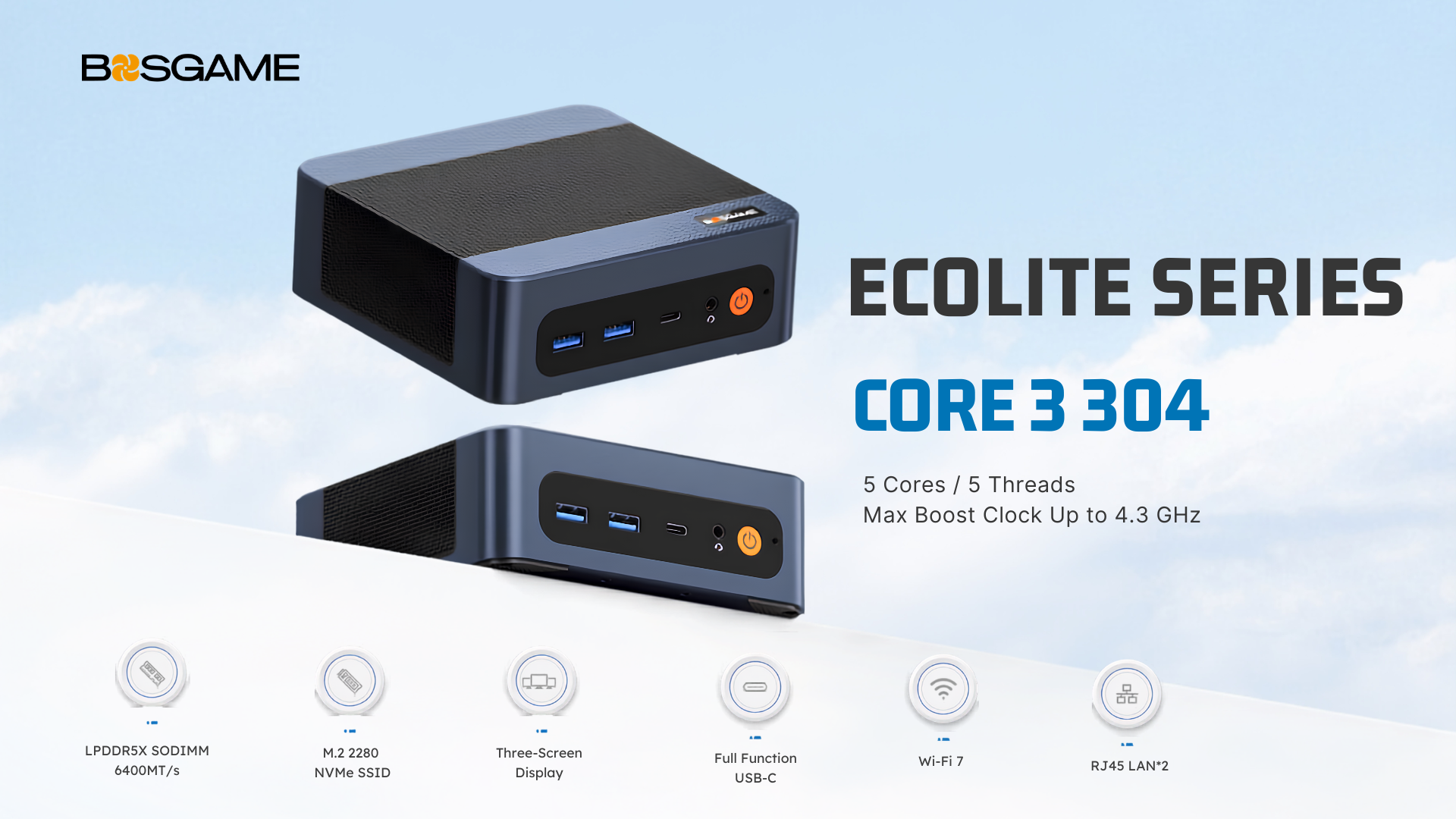
BOSGAME's current Mini PC lineup includes models built around NPU-equipped processors made for this kind of on-device AI work. If you're curious how the specs stack up, our product pages walk through the details.
FAQ
Q1: What is an AI PC?
An AI PC is a computer designed to run AI features more efficiently, usually with an NPU that helps process certain tasks locally instead of relying only on the cloud.
Q2: What does an NPU do in an AI PC?
An NPU, or Neural Processing Unit, handles AI workloads efficiently, especially repetitive or always-on tasks like captions, transcription, background blur, and image enhancement.
Q3: Is an AI PC the same as a Copilot+ PC?
No. Copilot+ PC is Microsoft’s certification for a specific class of AI-capable PCs, and it requires an NPU rated at 40 TOPS or higher, plus other hardware requirements.
Q4: Does a higher TOPS number always mean better performance?
Not always. TOPS only measures AI-related throughput for the NPU, not overall system speed, gaming performance, or general productivity.
Q5: What can you do with an AI PC?
Common use cases include live captions, real-time translation, background effects during video calls, local AI assistants, image editing, and voice-to-text transcription.
Q6: Do AI PCs still use the cloud?
Yes. AI PCs can handle more tasks locally, but large AI models and heavier workloads still often run best in the cloud.

Leave a comment
All comments are moderated before being published.
This site is protected by hCaptcha and the hCaptcha Privacy Policy and Terms of Service apply.