

Some Mini PCs are built to replace bulky desktop towers. Others are tuned for gaming, content creation, or local AI workloads. And then there are systems that focus on something more practical: making everyday computing faster, quieter, and more efficient.
The BOSGAME E6 ECO Mini PC fits squarely into that last category.
Built on Intel’s Core 3 processor 304 platform, the E6 ECO is not trying to be the most powerful Mini PC on the market. Instead, it’s aimed at people who spend most of their time browsing the web, joining video calls, editing documents, streaming media, organizing family photos, or simply getting work done without a noisy full-size desktop.
So, is the E6 ECO the right compact Mini PC for you?
Rather than starting with a spec sheet, let’s look at five questions that can help you figure that out. If you answer “yes” to most of them, the E6 ECO may be a strong fit.
Do You Need Workstation-Level Performance, or Just a PC That Stays Responsive All Day?
This is the first question worth asking before buying any computer.
It’s easy to assume that more performance is always better. In reality, many people end up paying for processing power they’ll never really use.
Think about a typical day at your desk. You may have a browser full of tabs open, answer email, join Teams or Zoom meetings, work in spreadsheets, stream music in the background, and occasionally update a presentation or document. Those tasks do not call for workstation-class hardware, but they do benefit from a PC that feels consistently responsive.
That’s the space the BOSGAME E6 ECO is built for.
Compared with previous Intel N-series systems, the Intel Core 3 processor 304 platform should bring a clear bump in everyday responsiveness while keeping a 15W base power design. In practice, that means a desktop that feels quick in normal multitasking without unnecessary power draw or extra heat.
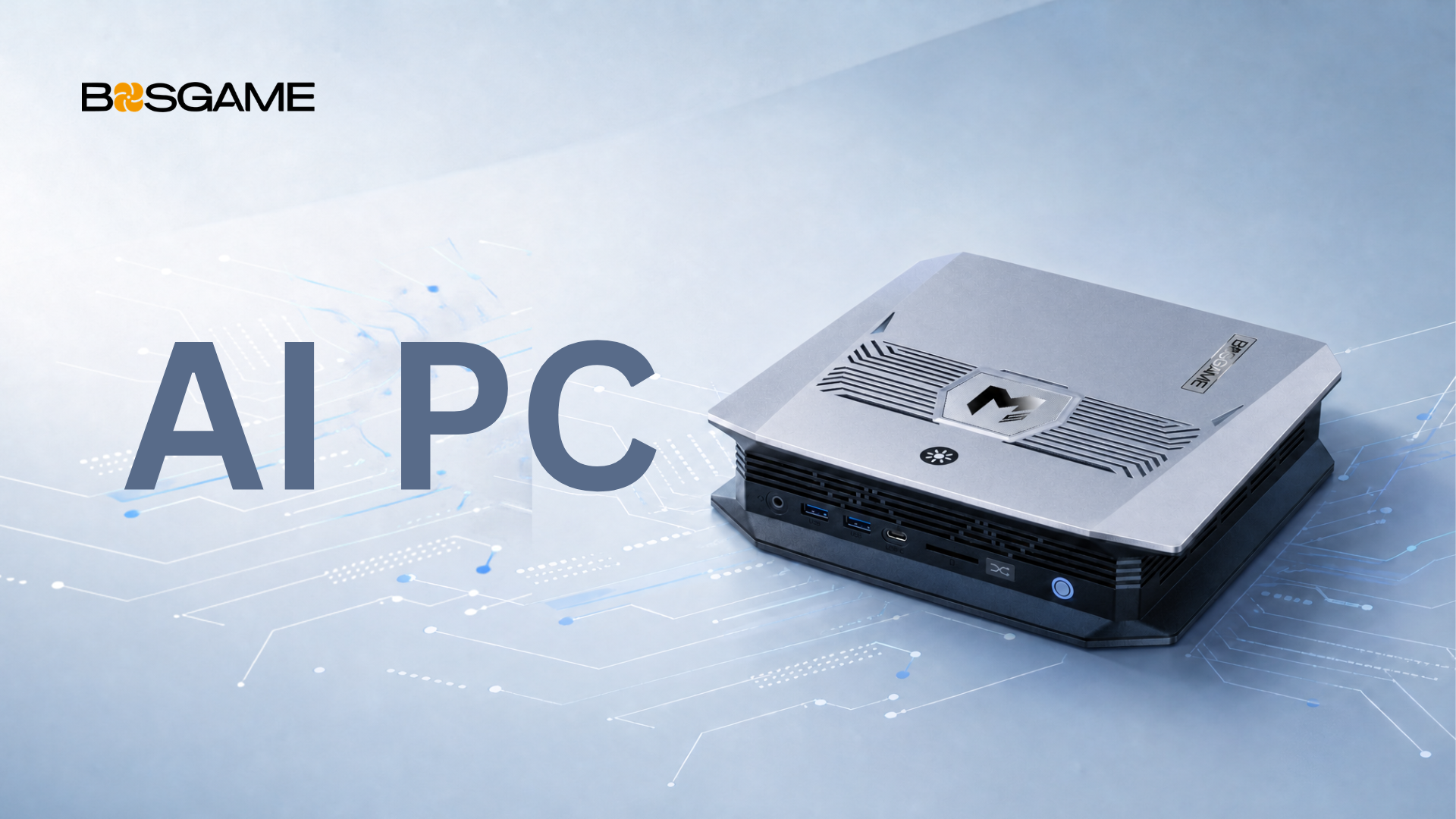
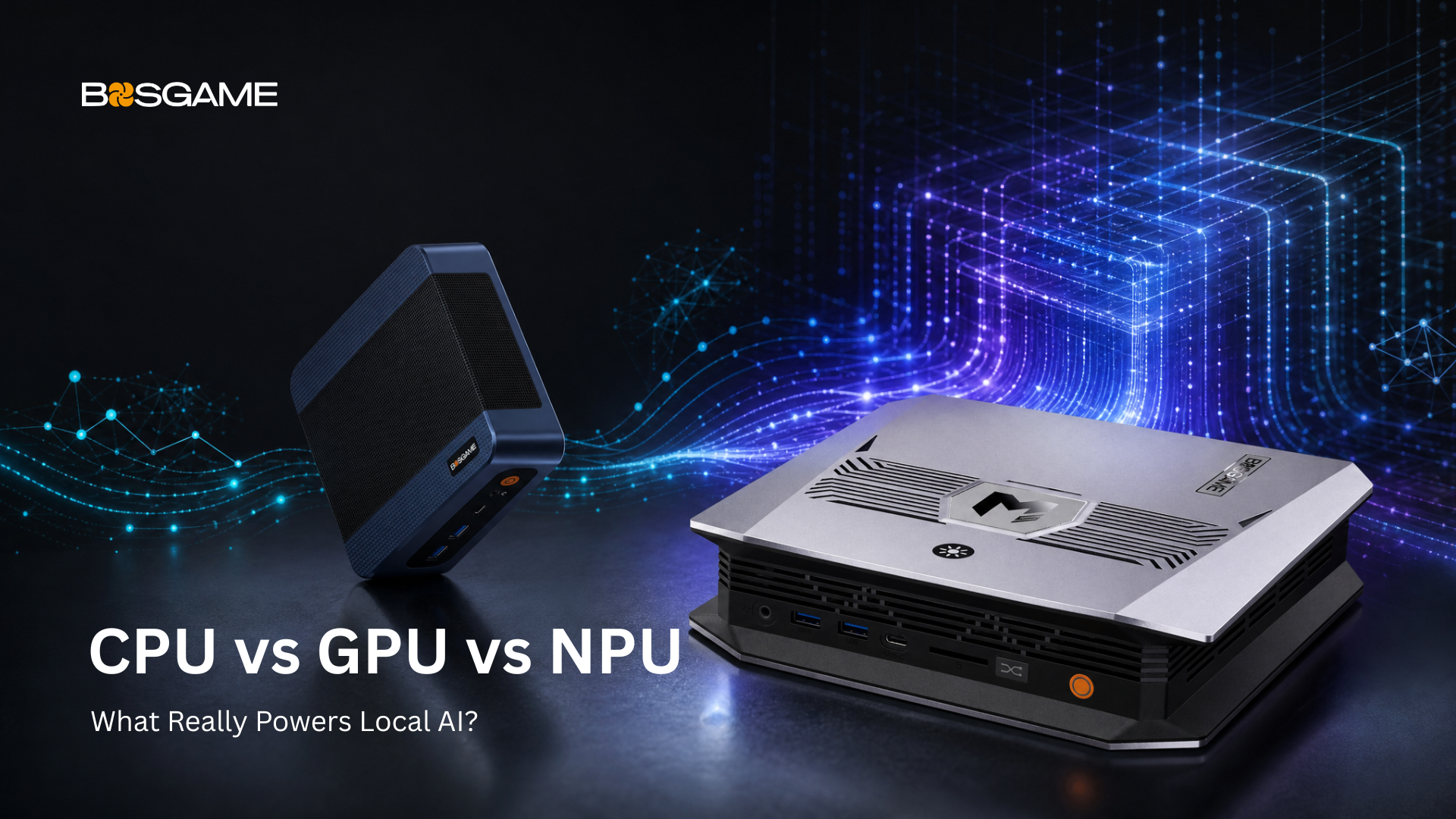
If your day involves 4K video editing, complex 3D work, modern AAA gaming, or running large local AI models, you’ll probably want more capable hardware. In that case, a more AI-focused Mini PC such as the BOSGAME M5 AI Mini Desktop may be the better fit for demanding creative and local AI workflows.
The point is not to push everyone toward the same machine. It’s to match the PC to the way you actually work.
Would AI Actually Make Your Everyday Work Easier?
AI has become part of everyday computing, but there’s a big difference between practical AI assistance and a high-end AI workstation.
For most people, AI is less about training models and more about saving time.
Maybe you want to summarize meeting notes before your next call. Or maybe you want help rewriting an email so it sounds more polished. Maybe you need to translate a document without losing the original structure. Or maybe you just want a faster way to turn research into a clean outline.
Those are the kinds of everyday workflows the E6 ECO is designed to support.
The system includes Intel AI Boost with a dedicated 15 TOPS NPU, plus integrated graphics that bring the platform to roughly 24 TOPS of combined AI performance. That’s enough to support light, everyday AI-assisted tasks in Windows 11, including Microsoft Copilot and similar productivity tools.
What it is not designed to be is a local AI development machine or a system for running large models at scale. If that’s your goal, you’ll want significantly more AI compute than an entry-level desktop like this is meant to deliver.
For everyone else, the E6 ECO offers a practical way to bring AI into daily work without paying for capabilities you may never use.
Does Your Workspace Need to Stay Quiet?
Performance matters. But so does comfort.
If your computer sits only a few feet away from you all day, fan noise can become part of the background whether you want it to or not.
Maybe you work from home and take video calls throughout the day. Maybe you study late at night. Maybe your Mini PC sits in a living room setup, where noise is much more noticeable than in a separate office.
The E6 ECO is designed with those situations in mind.
Its cooling system combines dual copper heat pipes with a hydraulic-bearing silent fan, helping the system manage heat while keeping noise under control during everyday workloads. The efficient 15W platform also helps reduce heat output in the first place. Instead of relying on aggressive cooling to compensate for higher power consumption, the E6 ECO starts with an energy-conscious foundation. That makes quiet operation easier to achieve during normal use.
The result is a quiet Mini PC that’s meant to fade into the background and let you focus on your work.
Do You Connect More Than Just a Monitor?
A lot of people don’t think about connectivity until after they set up a new PC.
That’s usually when they realize they’ve already used every port.
If your desk includes multiple displays, external storage, wired networking, or a handful of USB accessories, I/O can make a big difference in how convenient a system feels day to day.
The E6 ECO includes a modern set of connections for a compact desktop, including:
- Wi-Fi 7
- Bluetooth 5.4
- Dual Gigabit Ethernet
- A full-function USB-C port with 10Gbps data transfer, DisplayPort output, and Power Delivery
- HDMI 2.0, DisplayPort 1.4, and USB-C display output for up to three screens
For some users, triple-display support means keeping email, spreadsheets, and video meetings open at the same time. For others, dual Ethernet ports add flexibility for home networking or small office setups.
Even if you do not need every connection right away, modern I/O gives your setup more room to grow.
Is Desk Space at a Premium?
Not everyone has room for a traditional desktop tower.
Maybe you work from a small apartment. Maybe your desk also doubles as a dining table. Maybe you’re setting up a compact workspace in a dorm room, shared office, or reception area.
In those situations, every inch matters. Measuring just 129 × 128 × 44 mm, the E6 ECO takes up only a fraction of the space of a conventional desktop while still giving you a full Windows PC experience. Its compact footprint also makes cable management easier, leaving more room for notebooks, external displays, or just a cleaner desk.
For many users, a smaller computer does more than save space—it helps make the workspace feel less crowded and more usable.
So, Is the E6 ECO Right for You?
Let’s go back to the five questions.
- Do you want reliable everyday performance instead of workstation-class hardware?
- Would practical AI features improve your daily workflow?
- Do you value a quieter, cooler desktop experience?
- Do you want modern connectivity like Wi-Fi 7, USB-C, dual Ethernet, and support for multiple displays?
- Are you working with limited desk space?
If you answered “yes” to most of them, the E6 ECO was built with exactly that kind of everyday computing in mind.
Rather than trying to be everything for everyone, it focuses on the things that matter most for home offices, students, families, remote workers, and small businesses: responsive performance, efficient operation, modern connectivity, and practical AI support in one compact Mini PC.
The BOSGAME E6 ECO is scheduled to launch on August 15.
Visit the E6 ECO product page for launch updates, full specifications, and availability, or follow BOSGAME on social media to be among the first to know when it goes live.

Leave a comment
All comments are moderated before being published.
This site is protected by hCaptcha and the hCaptcha Privacy Policy and Terms of Service apply.