
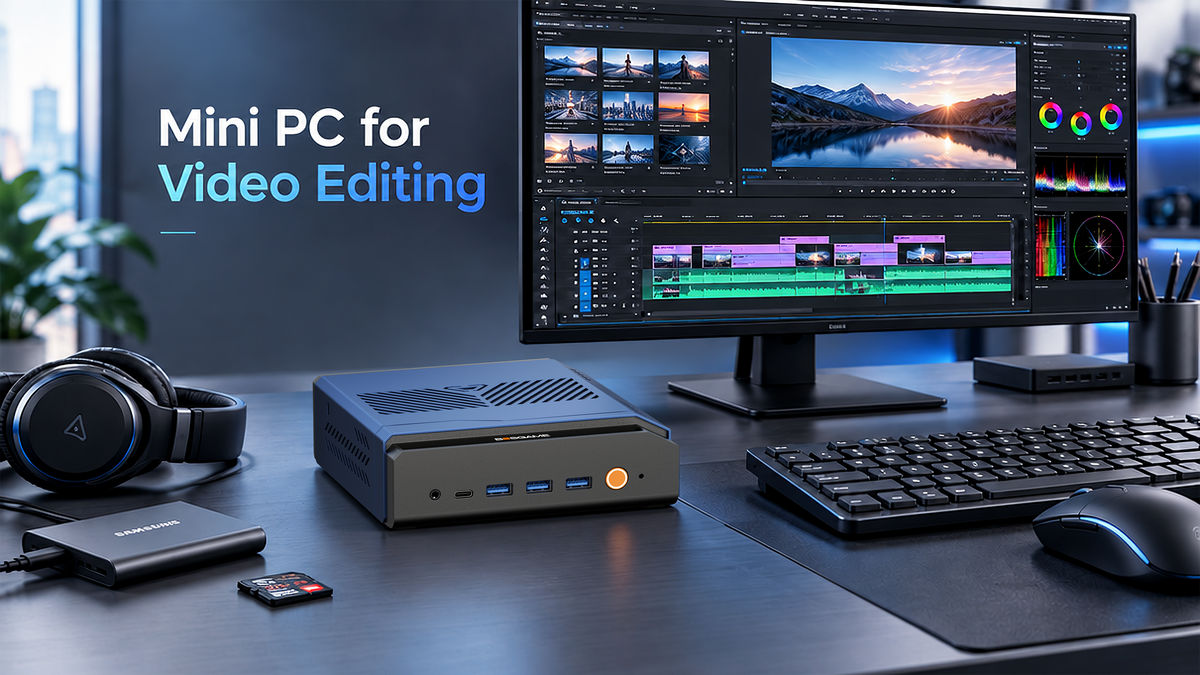
Can a Mini PC Handle Video Editing?
A mini PC is no longer limited to basic office applications. Modern models combine powerful processors, fast NVMe storage, and increasingly capable graphics solutions in a remarkably small enclosure. This makes them a practical choice for content creators who want a dedicated editing workstation without occupying too much desk space.
However, the editing experience varies depending on the system configuration and the complexity of your projects. Different workloads require different levels of computing power.
Basic 1080p editing: If your projects mainly involve trimming footage, combining short clips, adding simple transitions, or producing social media content, a mid-range processor with 16GB of RAM should generally provide sufficient performance.
4K editing: Working with 4K footage requires more computing resources. A stronger CPU, capable integrated or dedicated graphics, and preferably 32GB or more of RAM provide a better foundation, particularly when handling multiple tracks, high-bitrate recordings, and visual effects.
Professional-grade editing: Complex timelines, advanced effects, and high-resolution source files place considerably greater demands on hardware. For these workloads, consider a high-end processor, a high-performance graphics card, 64GB or more of RAM, and an effective cooling solution to maintain stable performance.
The key is to choose a mini PC that corresponds to your actual editing requirements rather than paying for performance you may never use. Understanding the role of each hardware component will make the selection process much easier.
What Specs Do You Need in a Mini PC for Video Editing?
Hardware specifications have a direct influence on how efficiently a computer handles video production. From processing footage and previewing effects to exporting completed projects, different components contribute to different stages of the workflow.
Before purchasing a mini PC for video editing, pay attention to these four essential areas.
CPU – Handle Processing and Rendering Workloads
The processor is one of the most important components in a video editing system. It manages various operations, including timeline calculations, video processing, multitasking, and rendering.
When comparing processors, don't focus exclusively on maximum clock speed. Core and thread counts, processor architecture, and sustained performance are equally important. A CPU with more cores and threads can be beneficial when exporting large projects or running several demanding applications simultaneously.
Thermal management also deserves attention. Video rendering can keep a processor under heavy load for extended periods. A well-designed cooling system helps control temperatures and reduces the risk of performance drops caused by thermal throttling.
GPU – Support Effects, Encoding, and Rendering
Graphics performance has a considerable influence on the video editing experience. A capable GPU can accelerate supported editing operations, including visual effects, color grading, transitions, and rendering.
Depending on the editing software and supported video formats, graphics hardware can also assist with video decoding and encoding. This may reduce processing demands and improve playback or export performance.
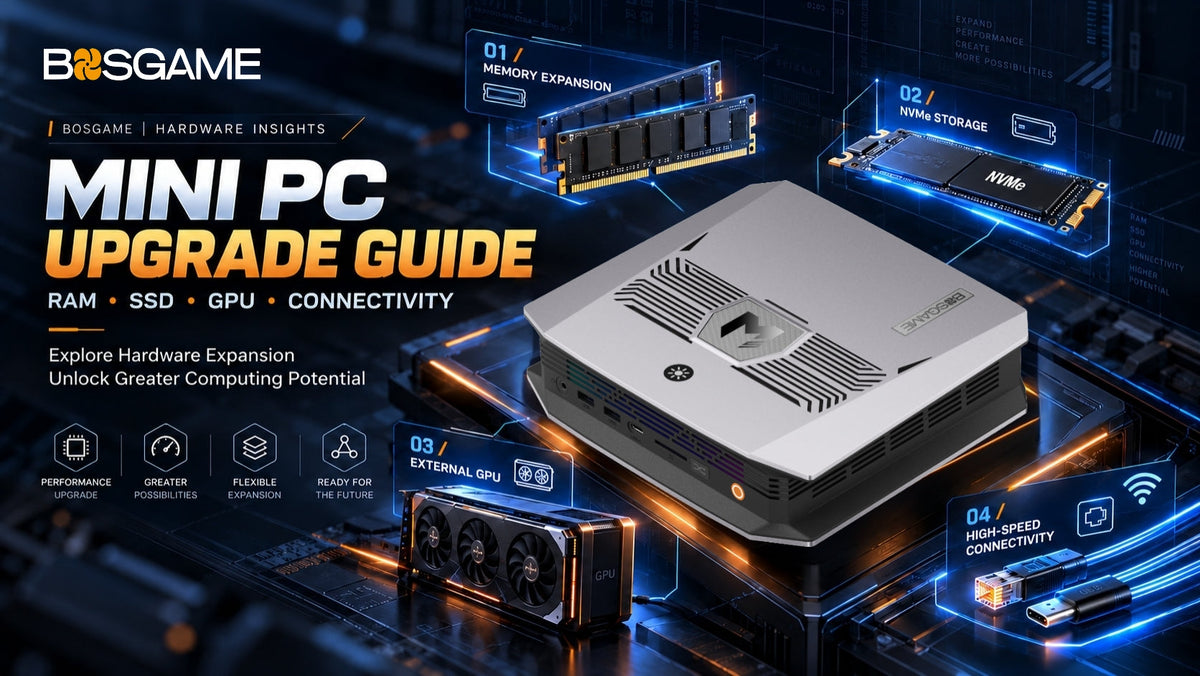
For creators who need more graphics power than the built-in solution provides, an external GPU (eGPU) may be worth considering. Certain mini PCs feature USB4 or OCuLink connectivity, allowing users to connect a compatible external graphics card and expand their system's graphics capabilities.
RAM – Choose Memory Based on Project Complexity
System memory determines how efficiently your computer manages source footage, editing timelines, and multiple applications. Having sufficient RAM helps prevent slowdowns when navigating projects, previewing videos, or switching between editing software and other programs.
The following configurations offer a useful reference:
16GB: A suitable starting point for basic 1080p editing, simple video production, and everyday content creation.
32GB: A more comfortable option for regular 4K editing, multitasking, and projects involving several video tracks.
64GB or more: Worth considering for demanding workloads that involve complex effects, multiple timelines, and large source files.
The ideal memory capacity depends on your editing habits and the software you use. If you expect your projects to become more demanding over time, choosing a model with expandable RAM can provide additional flexibility.
SSD Storage – Manage Large Video Files Efficiently
Video production involves substantial amounts of data, from original footage and audio tracks to exported files and project backups. Storage capacity is therefore an important consideration when selecting a mini PC for video editing.
An NVMe SSD provides fast data access and transfer speeds, helping reduce the time needed to launch applications, open projects, and import video files.
A 512GB SSD may be adequate for occasional editing and smaller projects. However, creators who regularly work with high-resolution footage may find a 1TB or larger drive more practical.
Expansion capability is another factor worth checking. Mini PCs with multiple M.2 slots or external storage support make it easier to increase capacity as your collection of video files grows.
Recommendations of Mini PCs for Video Editing
The right mini PC for video editing depends on the type of content you create, the resolution of your footage, and the level of performance your projects require. Beginners producing short videos may not need the same hardware as professionals working with high-resolution footage and complex visual effects.
BOSGAME offers several configurations for different creative workloads. Here are three models worth considering.
BOSGAME E7: A Practical Choice for Basic 1080p Editing
For beginners and everyday content creators, the BOSGAME E7 provides a practical configuration for handling straightforward video projects.
It features a processor with boost speeds of up to 4.7GHz, 16GB of DDR4-3200 RAM that can be expanded to 64GB, and a 512GB NVMe SSD. This hardware combination is suitable for basic 1080p editing, including trimming clips, assembling short videos, and adding simple transitions.
The E7 also supports up to three displays, giving creators additional screen space to organize editing tools, review footage, and manage other applications. For users who mainly produce everyday videos and social media content, it offers a straightforward entry point into desktop video editing.
BOSGAME P2 Pro: A More Powerful Option for 4K Editing
Users who regularly work with higher-resolution footage may prefer the BOSGAME P2 Pro.
Powered by an Intel Core i9-12900H processor with 14 cores and 20 threads, the P2 Pro comes equipped with 32GB of RAM and a 1TB PCIe 4.0 SSD. Its multi-core processing capabilities make it a suitable option for 4K timelines, multi-threaded exports, and editing projects involving moderate visual effects.
Its connectivity options also support a flexible workspace. The Thunderbolt 4 port enables high-speed connections to external storage devices, while dual 2.5G LAN ports are useful for creators who manage footage through a NAS. In addition, support for up to three 4K displays allows users to distribute editing panels and preview windows across multiple screens.
For creators looking for a more capable mini PC for regular 4K editing, the P2 Pro offers a balanced combination of processing power, memory, and connectivity.
BOSGAME VTI-490: Built for Demanding Editing Workflows
For creators handling more intensive production tasks, the BOSGAME VTI-490 delivers a higher-performance hardware configuration.
At its core is a 16-core Intel Core Ultra X7 358H processor with boost speeds of up to 4.8GHz, paired with Intel Arc B390 graphics. It also features 64GB of LPDDR5X-9600 RAM and a 1TB PCIe 4.0 SSD.
This configuration provides substantial computing resources for demanding editing environments, including multi-track timelines, complex effects, and high-resolution video projects.
The VTI-490 also offers extensive connectivity options. Dual Thunderbolt 4 ports, 10Gbps Ethernet, and Wi-Fi 7 support fast connections for external devices and large files. Furthermore, its OCuLink interface allows users to connect a compatible external GPU (eGPU) when additional graphics performance is required.
For video editors who need greater processing and graphics capabilities in a compact desktop, the VTI-490 is a compelling option to consider.
Conclusion
A mini PC for video editing can be more than just a space-saving alternative to a traditional desktop. It gives creators the flexibility to build a workstation around their own environment, whether that means a home studio, a shared workspace, or a compact content creation setup. As video production becomes an increasingly common part of digital work, having a computer that fits naturally into your creative environment can make a real difference. Explore BOSGAME's mini PC lineup and find a compact solution for your next project.

Leave a comment
All comments are moderated before being published.
This site is protected by hCaptcha and the hCaptcha Privacy Policy and Terms of Service apply.