
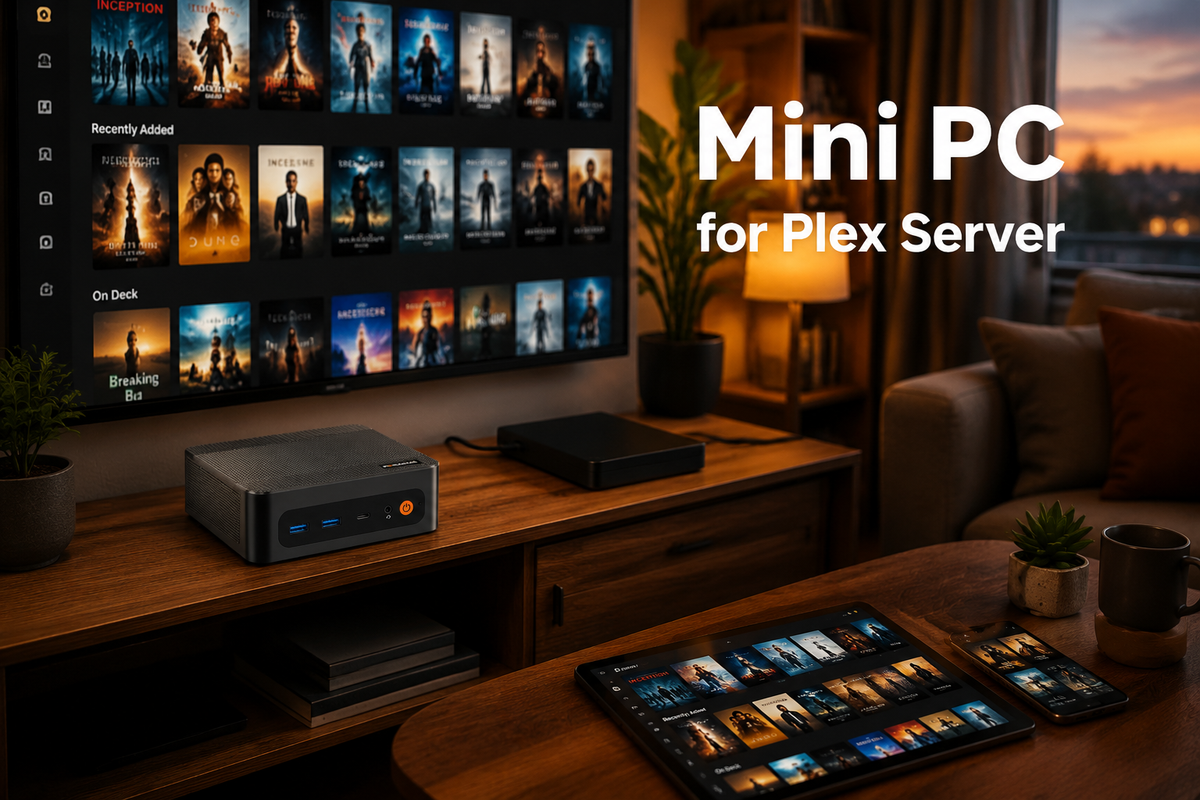
Running your own media server doesn't require a bulky, noisy tower. A mini PC for Plex server is a compact, energy-efficient way to turn your movies, shows, and music into a private streaming library, accessible from any compatible device at home or on the go. We will explain what a Plex mini PC can do, which hardware factors matter most, and which BOSGAME models suit a personal media server in this article.
What Can a Mini PC for Plex Server Do?
A mini PC for Plex server can do more than store video files. It helps organize your personal media collection, deliver content to compatible devices, and make your library accessible beyond your home network. Its capabilities depend on the hardware, network conditions, and how you configure Plex.
Organize Your Personal Media Library
Your movies, TV shows, music, and photos can be organized into a browsable library using a mini PC running Plex Media Server. It allows you to keep your personal media in one place, while Plex retrieves metadata such as posters, descriptions, and episode information. This makes large collections easier to browse and manage without relying on separate devices for different types of media.
Handle Multiple Streams and Transcoding
A mini PC can serve different media to multiple users or devices simultaneously, depending on its processing power and network capacity. Plex Direct Play sends compatible files without converting them, reducing the server's workload. When a playback device cannot support the original format or resolution, transcoding may be necessary. A processor with suitable hardware-accelerated video support can help a mini PC for Plex handle these tasks more efficiently.
Enable Remote Media Access
With Plex's remote access configured correctly, you can access your personal media library from compatible devices outside your home network. This lets you watch your own movies or shows while traveling without manually transferring files to each device. Remote playback depends on your internet upload speed, server performance, network configuration, and applicable Plex features or subscription requirements.
What to Consider When Choosing a Mini PC for Plex Server?
Choosing a mini PC for Plex server depends on your media library, streaming quality, and number of users. Before buying, consider your transcoding needs, storage capacity, and RAM. These factors help you choose a mini PC for Plex that delivers smooth playback without paying for unnecessary performance.
Transcoding Capability
Transcoding refers to the process of converting a media file into a format or resolution supported by the playback device. If your device supports the original file format, Direct Play can reduce the server's processing load. However, streaming 4K content to a device that requires a different format or a lower resolution may necessitate transcoding. When choosing a mini PC for Plex, look for hardware with suitable video encoding and decoding capabilities, and check Plex's hardware acceleration compatibility with the mini PC's processor, graphics hardware, and operating system.
Storage
Storage capacity determines how much media you can keep available. An SSD provides fast startup, responsive system performance, and quick access to Plex metadata. However, large movie and TV collections can quickly fill up an SSD. Consider a mini PC for Plex with expandable M.2 storage or support for external USB drives. You can also connect a separate NAS to store your media library while running Plex on the mini PC.
RAM
RAM helps Plex run smoothly alongside other applications and services. For a basic setup with a small media library and a few simultaneous streams, 8GB may be sufficient. If you plan to support multiple users or run additional services, 16GB provides more headroom. Check whether the RAM is upgradeable so your mini PC for Plex can accommodate future needs.
Best Mini PCs for Plex Server from BOSGAME
Looking for a mini PC to power your Plex server? Here are two models from BOSGAME that we recommend, and their basic specifications are provided below.
BOSGAME P6 6900HX
For users who need additional processing capacity for a Plex server and other applications, the BOSGAME P6 features an AMD Ryzen 9 6900HX processor with 8 cores and 16 threads. It combines 24GB of LPDDR5 memory with a 1TB PCIe 4.0 NVMe SSD, expandable up to 4TB. Dual Gigabit Ethernet ports support wired network connections, while compatibility with Linux provides flexibility when configuring a home server.
BOSGAME P3 Mix 7640HS
Powered by the AMD Ryzen 5 7640HS processor with 6 cores and 12 threads, the BOSGAME P3 Mix comes with 32GB of dual-channel DDR5 memory and a 1TB PCIe 4.0 SSD. Its dual M.2 slots support storage expansion up to 8TB, making it easier to accommodate a growing media library. Dual 2.5GbE LAN ports also provide flexible wired networking for a home media setup.
Conclusion
Building your own media hub with a mini PC for Plex Server is a smart way to take back control of your entertainment. You can keep every movie, show, and song in one organized library, stream it to your devices at home, and, with remote access set up, enjoy it on the go. With the right hardware, it grows alongside your collection. So don’t wait: choose a mini PC that fits your needs and start building your personal streaming hub today.


Leave a comment
All comments are moderated before being published.
This site is protected by hCaptcha and the hCaptcha Privacy Policy and Terms of Service apply.