
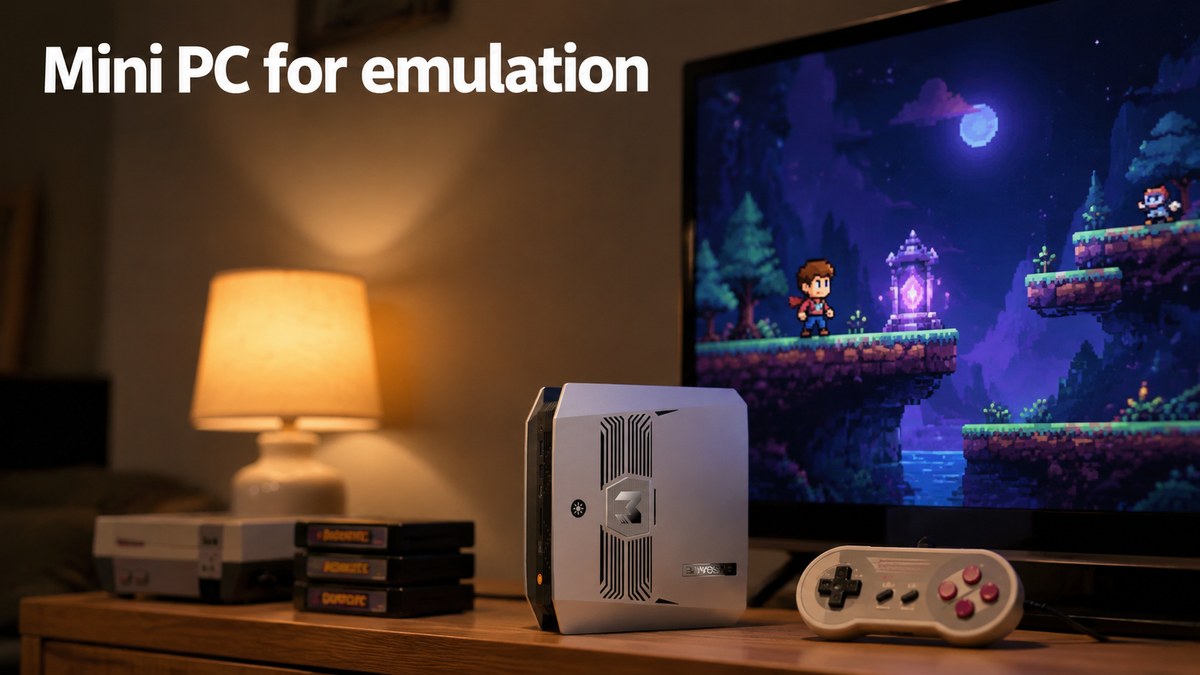
Can a mini PC handle emulation? Definitely. It’s a practical foundation for a compact retro gaming setup: it takes up little room, can draw relatively little power, and runs a variety of emulators through compatible operating systems. That said, not every model copes equally well with every gaming system. This guide covers the specs that matter when choosing a mini PC for emulation.
Why Choose a Mini PC for Emulation?
A mini PC lets you set up a retro gaming station without buying a bulky desktop. It pairs small hardware with the versatility of a full computer, so it works well for playing classic console games and trying out different emulation platforms. Below are the main reasons to consider a mini PC for emulation.
Compact and Easy to Place
Most mini PCs are small enough to sit on a shelf, slide under a TV, or tuck behind a monitor. That makes it simple to create a dedicated gaming corner in a living room, bedroom, or small apartment without losing much space. Because it is light, you can also carry it from room to room or bring it along to a friend’s place.
Low Power Consumption and Quiet Operation
Power use and noise are two more reasons people pick a mini PC for emulation. Depending on the hardware and the workload, a mini PC can draw relatively little electricity. On top of that, most models run almost silently, so your gaming sessions won’t be interrupted by fan noise.
Flexible Software and Emulator Support
Most mini PCs run Windows or Linux, so you can install emulators for many different gaming systems. To keep your games in one place, a frontend such as LaunchBox can organize your collection and open each title in the right emulator.
Expandable Storage for Growing Game Libraries
As your library gets bigger, storage becomes a bigger concern. Many mini PCs allow SSD upgrades or extra drives, so you can add room for game files, save data, and media. Before choosing a model, check its M.2 slots, drive compatibility, and upgrade options.
What to Look for in a Mini PC for Emulation?
Each gaming system puts its own demands on your hardware, so picking the right mini PC for emulation depends on several factors. Knowing the key specs below will help you find a machine that fits the games you want to play.
CPU
Emulation leans heavily on CPU performance, especially single-core speed, since some emulators rely on only a few threads to recreate console hardware behavior. A processor with strong single-core performance can raise frame rates and cut down on slowdowns in demanding games.
Graphics
The integrated GPU determines how well a mini PC manages graphics rendering, higher resolutions, and demanding emulators. Older consoles need relatively little graphics power, while newer systems may call for a stronger GPU. Look up the emulator’s hardware requirements and the consoles you plan to play before deciding which model to buy.
RAM
Both memory capacity and bandwidth can influence emulation performance. In supported configurations, dual-channel RAM delivers more bandwidth than single-channel, which helps integrated graphics that share system memory. 8GB may be enough for many older consoles, whereas 16GB or more gives you extra flexibility for demanding emulators and multitasking.
Storage
How much storage you need depends on the number of games you want installed and the systems you plan to emulate. Older games take up little space, but some newer libraries need far more. An NVMe SSD can shorten loading times, yet capacity and upgrade options often matter more for emulation setups. Review the available storage, M.2 slots, and supported drive sizes before you buy.
Ports and Connectivity
Seek out USB ports for wired controllers and accessories, along with HDMI or DisplayPort to connect a monitor or TV. Bluetooth is handy for wireless controllers, and Wi-Fi covers downloads, updates, and online features where they are available. Also confirm that the supported display resolution and refresh rate suit your TV or monitor.
Recommended Mini PCs for Emulation from BOSGAME
Not every emulation setup calls for top-tier hardware. What you need depends on which consoles you want to play. Here is a rough guide to the hardware tiers, along with recommended BOSGAME mini PCs for emulation.
Light: NES, SNES, Game Boy Advance, Sega Genesis
These 8-bit and 16-bit systems ask for very little. An entry-level processor like the Intel N100 or N5095 is more than enough.
Recommended: BOSGAME E4 3550H, BOSGAME E5 5300U
Mid: PSP, Dreamcast, Nintendo 64
These systems require more CPU power, so a processor in the AMD Ryzen 5 or Intel Core i5 class is a safer place to start. At this level, integrated graphics is seldom the bottleneck.
Recommended: BOSGAME P3 Mix 7640HS
Heavy: PS2, Wii, GameCube
Single-core performance counts for a lot here. Aim for an AMD Ryzen 7 or Intel Core Ultra 5 or better, combined with 16GB of dual-channel memory. Without dual-channel memory, integrated graphics performance can fall noticeably.
Recommended: BOSGAME P5 Pro 6800H, BOSGAME P6 Neo 6800H
Flagship: PS3, Switch, Xbox
These systems need strong integrated graphics, such as the AMD Ryzen AI 9 HX 370 with Radeon 890M, or an Intel Core Ultra 9 with Arc graphics. Machines in this class can run many 3D games smoothly, although results differ by game and emulator.
Recommended: BOSGAME VTA-439 HX 470, BOSGAME M6 HX 370
Conclusion
A growing number of people are turning to a mini PC for emulation, and the appeal is obvious. What used to require a shelf of old consoles and a tangle of cables now fits into one small device. It gathers classic games from many systems in a single place, with the freedom to save and resume whenever you like. If you want to enjoy retro games, a mini PC for emulation is a great place to start.

Leave a comment
All comments are moderated before being published.
This site is protected by hCaptcha and the hCaptcha Privacy Policy and Terms of Service apply.