
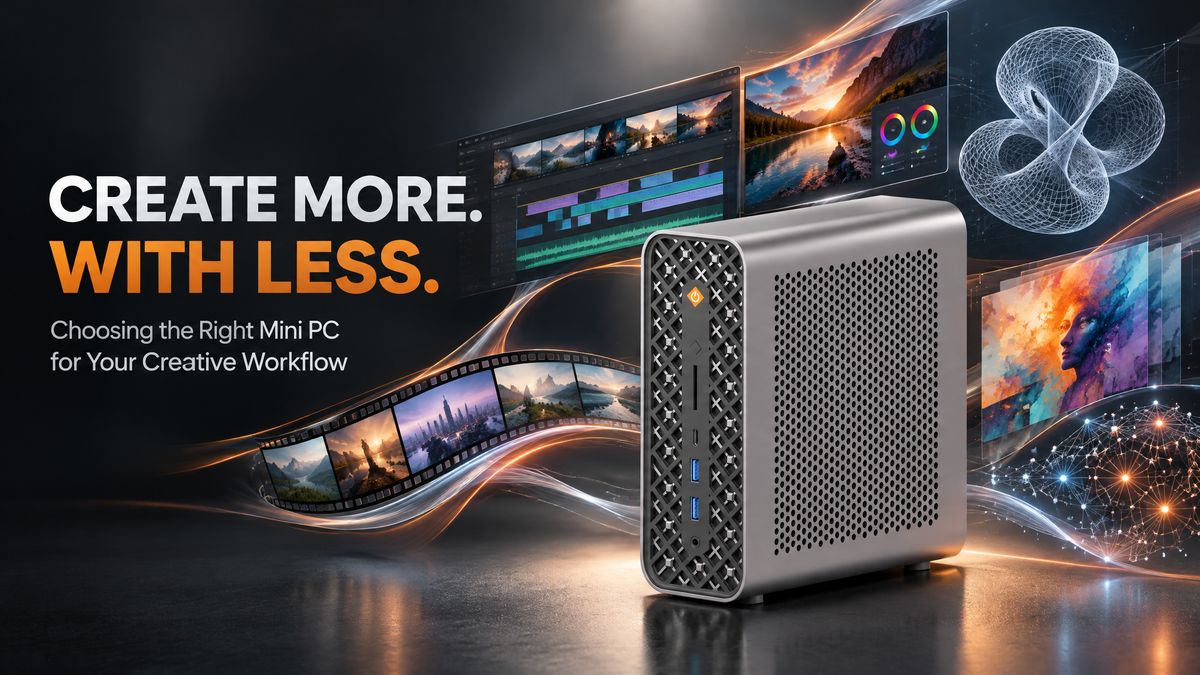
What actually matters when choosing a Mini PC for content creation? Not just the spec sheet — your workflow.
Whether you're editing 4K videos, retouching photos, designing graphics, or running local AI tools, the right hardware depends on your projects and software. Understanding how the CPU, GPU, memory, storage, and cooling affect your work can help you choose a Mini PC without paying for features you don't need.
1. Start With Your Creative Workflow
Different creative tasks place different demands on a computer. Photo editing benefits from sufficient memory and responsive storage, while video editing can put more pressure on the CPU, GPU, and memory.
For example, editing RAW photos in Adobe Lightroom Classic differs from working with complex 4K timelines in Adobe Premiere Pro. Consider your software, project size, effects, and multitasking needs before choosing a configuration.
2. CPU: Match Processing Power to Your Projects
The CPU affects application responsiveness, multitasking, and export times. More cores can benefit parallel workloads, but architecture, clock speed, cooling, and software optimization also matter.
For complex 4K editing, a modern processor with eight or more cores can be a useful starting point, although simpler projects may need less. Adobe Premiere Pro uses CPU resources for decoding and encoding, while DaVinci Resolve also relies on GPU acceleration for supported effects.
For local AI workloads, GPU capabilities and available memory are often more important than core count alone. Check your software's requirements and choose a balanced system for your workflow.
3. GPU: Consider Effects, Rendering, and AI
The GPU accelerates supported effects, rendering, and graphics-intensive tasks. Integrated graphics may be sufficient for basic photo editing, while complex effects, 3D applications, and some AI tools can benefit from stronger graphics capabilities.
Check your software's GPU requirements before buying. Graphics memory matters for large assets and demanding effects, but architecture and software support also affect performance.
4. Memory: Leave Room for Larger Projects
Large images, complex timelines, and multiple applications can quickly increase memory usage. If you regularly edit high-resolution footage or run demanding tools simultaneously, prioritize sufficient memory.
Some Mini PCs use unified memory shared between the CPU and GPU, while others use separate system and graphics memory. Check the capacity, configuration, and upgrade options rather than comparing memory numbers alone.
5. SSD Storage: Keep Projects Accessible
Creative projects can consume substantial storage, especially when working with high-resolution footage and exported files. An SSD helps files load quickly, but capacity and interface specifications also matter.
Check the included drive, expansion slots, and supported interfaces. A PCIe 4.0 slot does not make a PCIe 3.0 SSD operate at PCIe 4.0 speeds. External SSDs and network storage can provide additional space for active projects and archives.
6. Connectivity and Cooling
Check for the USB connections, display outputs, and network ports your workflow requires. If you use multiple monitors, verify the supported display count and resolution rather than assuming every output can operate simultaneously at its maximum specification.
Cooling matters during long exports and rendering sessions. Sustained workload reviews are more useful than short benchmark results when assessing performance under extended loads.
7. Which BOSGAME Mini PC Fits Your Workflow?
For basic image editing, content preparation, and everyday multitasking, the BOSGAME E6 ECO features an Intel Core 3 304 processor, 12GB of onboard LPDDR5X memory, and a 512GB SSD. It is a practical option for lighter creative tasks and daily productivity.
For creative multitasking and memory-intensive applications, the BOSGAME M6 combines an AMD Ryzen AI 9 HX 370 processor with Radeon 890M graphics. Its two SO-DIMM slots support up to 96GB of DDR5 memory at up to 5600MT/s, offering flexibility for demanding applications and future upgrades.
For demanding creative projects and compatible local AI workloads, the BOSGAME M5 MAX features an AMD Ryzen AI Max+ PRO 495 processor, AMD Radeon 8065S graphics, and unified LPDDR5X memory shared between the CPU and GPU. The 192GB memory configuration with a 2TB PCIe 4.0 SSD is expected to launch in November 2026.
Conclusion
The best Mini PC for content creation is the one that matches your software, workload, and future needs. Focus on the components that make a real difference to your workflow rather than paying for specifications you may not need.

Leave a comment
All comments are moderated before being published.
This site is protected by hCaptcha and the hCaptcha Privacy Policy and Terms of Service apply.