
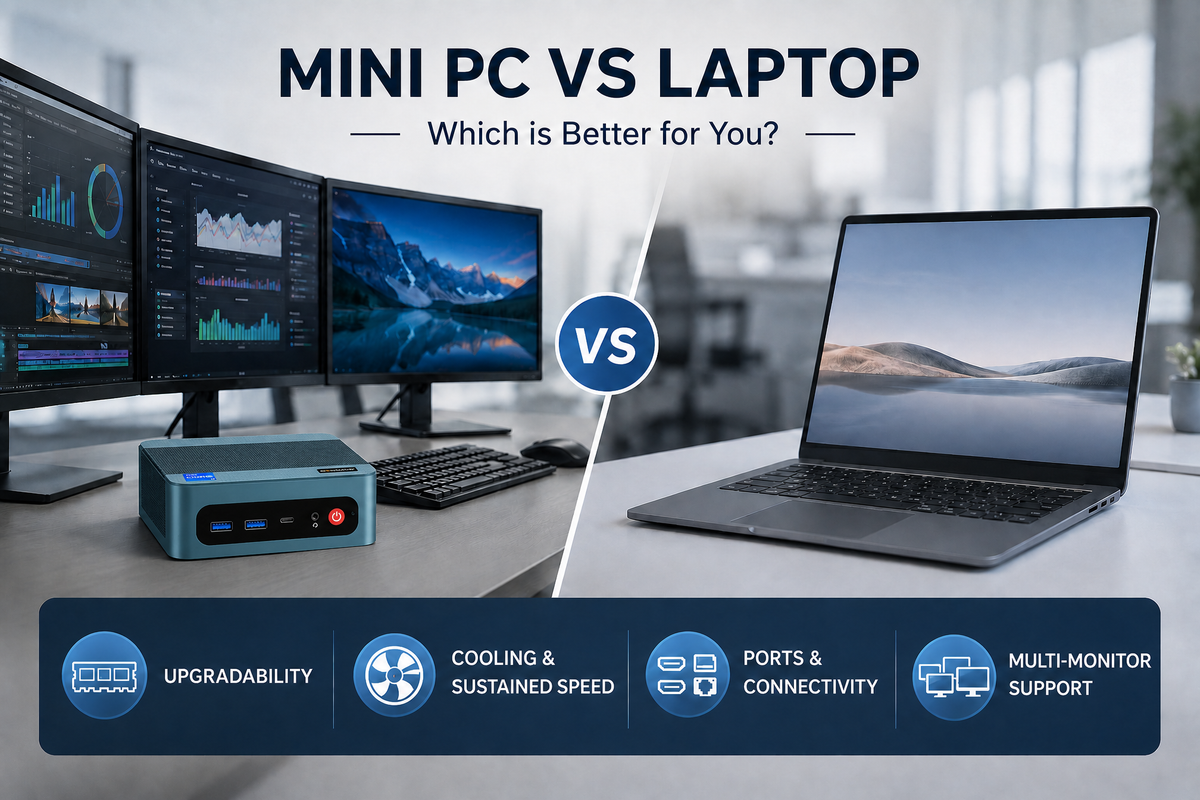
Deciding between a mini PC and a laptop isn't always straightforward — both can comfortably manage daily tasks, office workloads, and even resource-heavy applications. The better fit really comes down to how and where you'll be using the machine. Below, we break down the comparison across several factors that matter most when making this call.
Upgradability
Mini PCs typically come equipped with standard SO-DIMM RAM slots and M.2 storage slots, meaning the case can be opened up and parts swapped out or added well after you've bought it. Down the line, if your workload increases or you just need extra memory, you can pop in more RAM or install a second SSD rather than buying a whole new system.
Laptops — particularly ultra-thin models — take a different approach. To conserve internal space, manufacturers frequently solder RAM directly to the motherboard, locking in that configuration permanently once it leaves the factory. That leaves little room to expand later on.
Thermal Performance & Sustained Speed
A machine's cooling capability is fundamentally tied to how much physical space it has to work with. Laptops pack every component into a chassis just millimeters thick, which doesn't leave much room for a sizable heatsink or a fan capable of moving serious airflow. Under prolonged heavy use — think video rendering, code compilation, or juggling several demanding programs — heat accumulates faster than a slim chassis can vent it away.
Mini PCs sidestep this issue. Their enclosures offer meaningfully more internal volume than a laptop's, making room for bigger heatsinks, stronger airflow, and better-placed vents. That additional breathing room lets the processor sustain higher clock speeds for longer stretches under continuous load.
Ports & Connectivity
Compared with laptops, mini PCs generally pack in a broader range of physical ports, giving users more room to maneuver when hooking up external gear. Depending on the exact model, you might find several USB-A and USB-C ports alongside HDMI, DisplayPort, Ethernet, and more. That makes plugging in keyboards, mice, external drives, printers, and networking hardware straightforward and direct.
Laptops, by contrast, tend to offer fewer ports since manufacturers have to keep the chassis slim. For anyone running a stationary desk setup, a mini PC ends up delivering more flexible, hassle-free connectivity without needing a pile of extra accessories.
Multi-Monitor Setups
These days, plenty of professionals lean on multiple screens to stay productive. Running several displays at once means more room to keep documents, apps, and workflows visible simultaneously, cutting down on constant window-switching.
The catch with laptops is that many only come with one or two ports capable of video output. Hooking up several external monitors from there typically means adding a docking station or USB-C hub to split the signal — extra hardware that adds cost and sometimes limits things further, since certain hubs can't drive more than one display at full resolution or refresh rate simultaneously.
Mini PCs handle this differently, usually shipping with multiple video-output ports built in. Plenty of models can drive two, three, or more displays without breaking a sweat, and in most cases, it's as simple as plugging each monitor in directly — no hub or dock necessary.
Portability
This is where laptops clearly pull ahead. Between the built-in screen, keyboard, trackpad, and battery, a laptop can be picked up and used practically anywhere without needing extra gear. Mini PCs, on the other hand, depend on a separate monitor, keyboard, mouse, and power supply, which makes them a poorer fit for anyone constantly on the move. If travel or working from different locations is part of your routine, a laptop is the more sensible pick — a mini PC shines instead in a fixed, desk-bound setup.
Conclusion
At the end of the day, choosing between a mini PC and a laptop comes down to what matters most to you and how you actually use your computer. Laptops make sense for anyone who prioritizes mobility and an all-in-one package, while mini PCs bring more to the table when it comes to upgrade room, cooling, connectivity, and multi-display support. If you mostly work from one spot and want a compact, capable machine, a mini PC is well worth considering — take a look at BOSGAME's lineup to find a configuration that fits what you need.


Leave a comment
All comments are moderated before being published.
This site is protected by hCaptcha and the hCaptcha Privacy Policy and Terms of Service apply.