
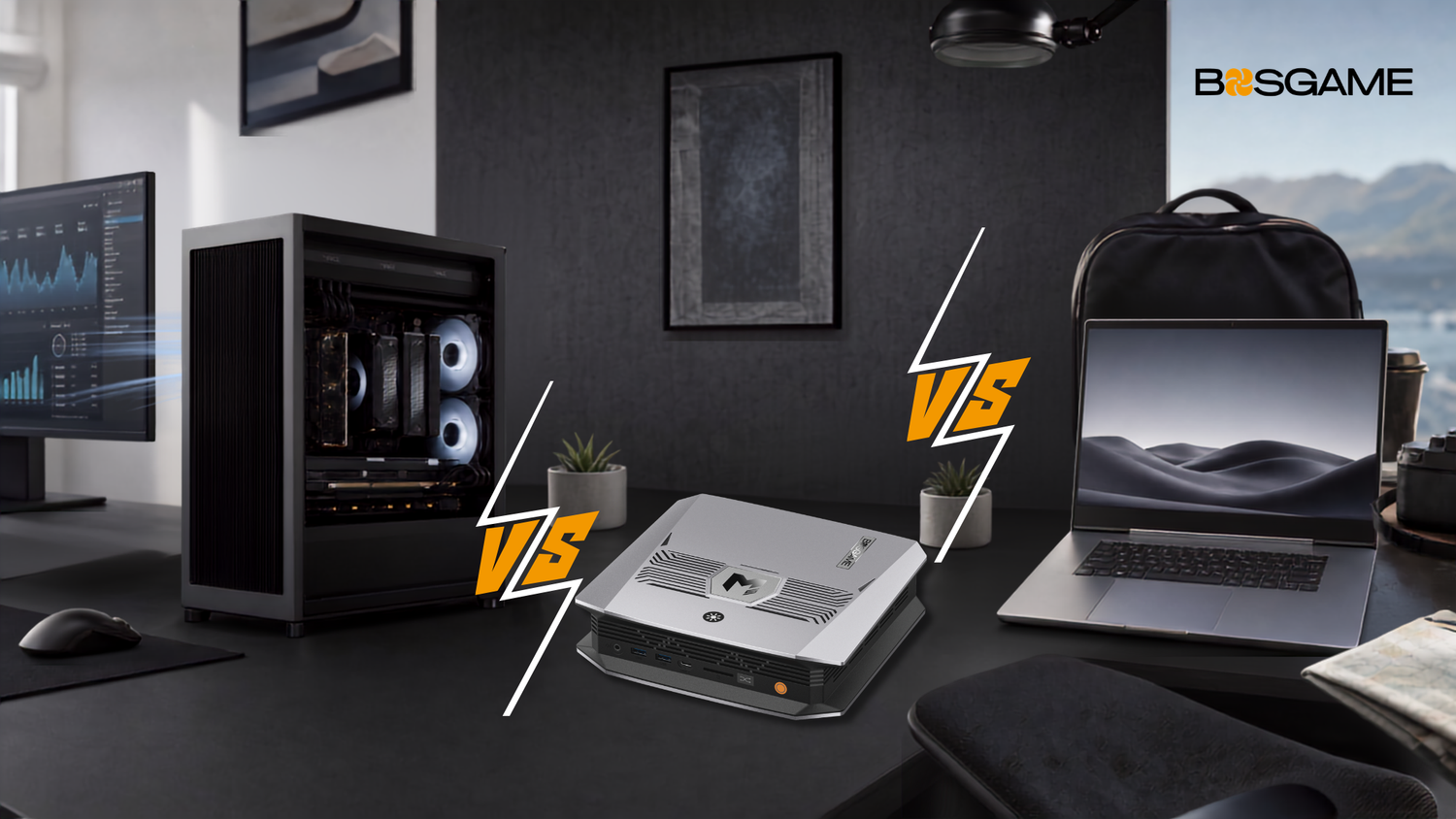
If you've been comparing computers lately, you've probably noticed the lines have blurred. Many modern mini PCs can handle workloads that once required much larger systems. Some laptops can outperform much larger systems in specific workloads, depending on the configuration. And a desktop, despite being the "old guard," can still do things the other two simply can't.
So the real question isn't which one is best. It's which one fits how you actually work. This guide breaks the decision down into five practical categories, then matches each option to the situations where it makes the most sense. That way you can decide for yourself instead of just taking someone's word for it.
What's the Real Difference Between a Mini PC, Desktop, and Laptop?
Before comparing them side by side, it helps to get clear on what each one actually is.
A MINI PC is a compact, standalone computer. It has no built-in screen, keyboard, or battery, but it fits real computing power into a tiny footprint, small enough to sit behind a monitor or fit in a bag. It's easy to assume a mini PC is just a shrunk-down laptop, but that's not really accurate. Mini PCs often use processors similar to what you'd find in a laptop. Without battery limits to worry about, though, those chips can run harder and get cooled more aggressively. That closes some of the performance gap with desktops, though how much varies a lot by model and price point.
Not every mini PC is built the same size for the same reason, either. Some entry- to mid-tier mini PCs are remarkably small. BOSGAME's VTA-439 and VTI-490, for example, both measure around 147 x 153 x 45mm, roughly the size of a stack of coasters. Higher-performance models like BOSGAME's M5 run a bit bigger, at 221 x 199 x 52.4mm, to make room for stronger cooling and a different memory setup. We'll get into that tradeoff shortly. As a general pattern, size differences within the mini PC category often point to a real performance difference, though such variation isn't a hard rule across every brand.
A DESKTOP is the classic tower setup. It's built to house discrete graphics cards, multiple fans, and several drive bays. It's the least portable of the three, but also the most expandable.
A LAPTOP is a fully self-contained, battery-powered machine with its own screen and keyboard. It trades some raw performance for the freedom to work from anywhere.
Quick Comparison
|
|
Mini PC |
Desktop |
Laptop |
|
Portability |
Relocatable, needs a monitor |
Stationary |
Fully portable |
|
Peak Performance |
Good to very good |
Highest ceiling |
Good, thermally limited |
|
Upgradability |
Varies by model |
Highest |
Usually limited |
|
Power Draw & Noise |
Typically lowest |
Typically highest |
Middle |
|
Starting Cost |
Lowest sticker price, add peripherals |
Best raw price-to-performance |
Highest markup for portability |
Five-Dimension Comparison
Performance
As a general trend, desktops tend to sit at the top of the performance ladder. A full-size case usually leaves more room for discrete graphics cards and steady cooling than a mini PC or laptop chassis allows. Mini PCs often come next. Since they don't have to manage battery life, they can push mobile-class processors harder than a laptop typically would. In some cases, and for certain mobile-class chips under specific power limits, multi-core performance on higher-end mini PCs can rival or even beat entry-level desktops. Laptops are capable machines too, but thermal and battery limits usually mean they're tuned for efficiency rather than peak output.
BOSGAME's VTA-439, for example, is built on the same Zen 5 architecture found in some desktop-class AMD processors, which is part of why the performance-per-watt story for higher-end mini PCs has improved over the last couple of years.
Portability
This one's fairly simple. Laptops win, mini PCs come in second, and desktops basically stay put. A mini PC is small enough to pack in a bag, but you'll still need a monitor, keyboard, and mouse wherever you set it up. So think of it less as "portable" and more as "relocatable." Some people run two mini PC stations, one at home and one at the office, and just carry themselves between the two.
Expandability & Upgradability
This is where a lot of assumptions about mini PCs fall apart. People often say mini PCs can't be upgraded, but that's not true across the board. Some mini PCs, like BOSGAME's VTI-490 and VTA-439, use standard DDR5 SO-DIMM memory slots and swappable SSDs. That means you can add RAM or swap out storage later, a feature that's actually becoming rare on laptops, most of which now ship with soldered memory.
Other mini PCs, like the M5, work differently. It uses soldered LPDDR5X memory in a unified memory setup. That's not a shortcut. It's a deliberate tradeoff. You give up the ability to upgrade memory later in exchange for much higher memory bandwidth, which matters for the AI workloads covered below.
Desktops still lead this category overall. Multiple drive bays, PCIe slots for discrete graphics cards, and swappable power supplies give desktops a ceiling that few mini PCs can fully reach, however upgradable a given model is.
Power Consumption & Noise
Mini PCs usually have the advantage in power efficiency and quieter operation, which is a real plus if you're on video calls often or working in a shared space. Actual numbers vary quite a bit depending on whether you're measuring idle draw, everyday use, or sustained heavy load, so treat the ranges below as general reference points rather than exact figures for any specific model.
|
State |
Typical Mini PC Power Draw |
|
Idle |
roughly 10-15W |
|
Everyday Use |
roughly 15-35W |
|
Sustained Heavy Load (higher-End Models) |
can reach 65-120W+ |
Laptops generally fall somewhere in the middle of the three categories. Desktops, especially ones running discrete graphics cards, tend to draw the most power and, without premium cooling, often run the loudest.
Price-to-Performance
A mini PC's price tag often looks like the best deal on paper, and at the same price point, a mini PC typically delivers stronger raw computing performance than a comparable laptop, since it isn't paying a "portability tax." But if you're starting from zero, you'll likely need to add a monitor, keyboard, and mouse, so factor that into the total cost. Desktops usually offer the strongest raw price-to-performance ratio overall, since they're not paying extra for portability or a compact chassis. Laptops tend to carry the highest markup, since you're paying for the engineering that makes an all-in-one, battery-powered device possible in the first place.
Which One Fits Your Use Case?
Students
If you're moving between dorm, library, and classroom all day, a laptop is still the more practical pick. But if most of your work happens at one desk, like a dorm room setup, a mini PC can offer noticeably better performance for the same budget.
Remote & Home Office Professionals
For a fixed workstation, mini PCs have a lot going for them. They're typically quiet (a real plus on video calls), support multiple monitors easily, and keep your desk clean. The upgradable memory on models like the VTI-490 and VTA-439 adds long-term value too, since you're not locked into today's specs if your workload grows.
Gamers & Creators
Honesty matters more than sales pitch here. Light and older-title gaming runs well on many mini PCs. Demanding AAA titles at high settings, or long video rendering sessions, still generally play to a desktop's strengths, since steady cooling and discrete graphics headroom are hard to replicate in a compact chassis. The one notable exception is a small category of flagship gaming mini PCs built around a discrete mobile GPU, like the ASUS ROG GR70 with its RTX 5070 Laptop GPU, which can handle AAA titles at 1440p. These tend to cost and weigh more than a typical mini PC, so they're really their own category. For most everyday mini PCs, if your work regularly pushes hardware to its limits for extended stretches, a desktop is still the safer bet.
AI & Local LLM Users
This use case has grown fast, and most buying guides haven't caught up yet. Running AI models locally, instead of relying on the cloud, depends less on having one powerful graphics card and more on how much fast memory the system can share between its processor and graphics engine, at least for inference (running an already-trained model).
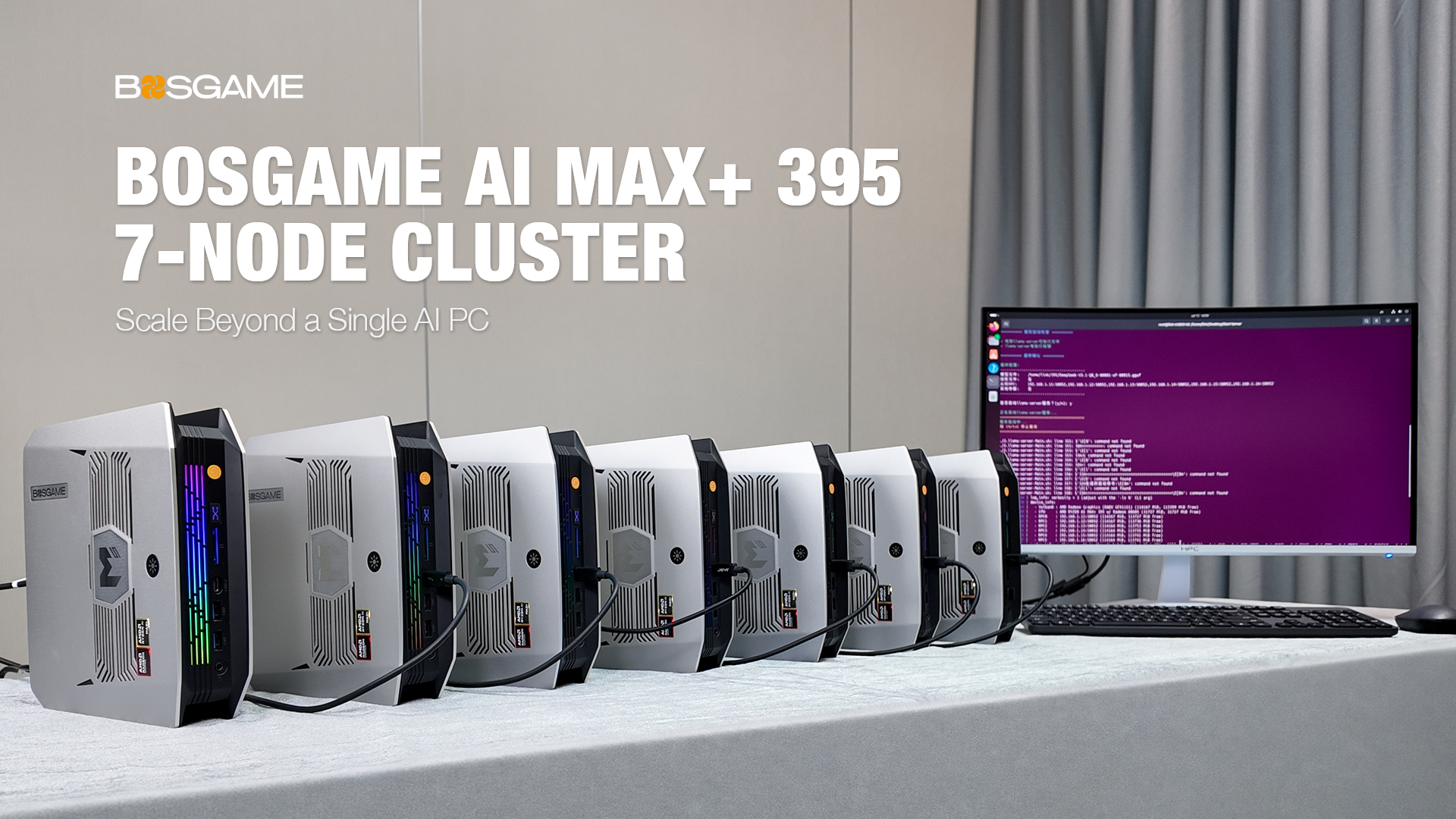
That's where unified memory architecture comes in, found in platforms like AMD's Ryzen AI Max+ 395 series. Because system memory and graphics memory draw from the same high-bandwidth pool, a mini PC built on this kind of platform can run larger local AI models for inference than its size would suggest, without needing the kind of expensive, high-VRAM graphics card a desktop setup would typically require for the same task. Training your own models from scratch is a different story. That kind of workload still generally benefits from the raw parallel compute of a discrete GPU, so a desktop remains the stronger choice there. For most everyday local AI use, like running an assistant or an inference-only workload, this is a good example of mini PCs solving problems that barely existed a few years ago.
A Simple Decision Framework
Still not sure? Try answering these three questions.
1. How many days a week do you actually need to work away from a fixed spot?
More than a couple, lean laptop. Rarely, mini PC or desktop are both worth considering.
2. Does your regular workload include heavy gaming, 3D rendering, or other sustained high-load tasks?
If yes, a desktop is still the safer long-term investment.
3. Do you value buying it once and being set for years, or being able to add memory or storage later?
If it's the latter, look specifically at mini PCs with upgradable RAM and storage instead of soldered configurations.
FAQs
Q1: Do mini PCs support upgradable RAM?
It depends on the model. Some mini PCs, like BOSGAME's VTI-490 and VTA-439, use standard DDR5 SO-DIMM slots that can be upgraded. Others use soldered memory for higher bandwidth, trading upgradability for performance.
Q2: Can a mini PC replace a laptop?
For anyone working from a fixed location most of the time, often yes. If you regularly need to work away from a desk, a laptop's built-in screen and battery are hard to give up.
Q3: Can a mini PC replace a desktop for gaming?
For casual or older titles, often yes. For demanding AAA games at high settings, a desktop's discrete graphics headroom still generally has the edge, outside of specialized flagship gaming mini PCs.
Q4: Is a mini PC worth it for programming?
For most development work, including multi-core compiling and running local dev environments, a mid to high-tier mini PC can handle it comfortably, often at a lower cost than a similarly specced laptop.
Q5: Are mini PCs good for video editing?
Light to moderate editing generally works well. Heavy 4K or 8K timelines with lots of effects still tend to benefit from a desktop's cooling and graphics headroom.
Q6: Is a mini PC cheaper than a laptop overall?
Usually, yes, in terms of raw hardware cost. But factor in the cost of a monitor, keyboard, and mouse if you don't already own them, since that changes the total investment.
Q7: How long do mini PCs last?
With reasonable care, a mini PC's usable lifespan is generally comparable to a desktop's, often several years. Models with upgradable memory or storage can last even longer as your needs change.
The Bottom Line
There's no single "best" computer. There's only the one that matches how you actually work. If your day involves moving between locations, a laptop still makes the most sense. If you need maximum power for sustained heavy workloads, a desktop remains hard to beat. And if you work from a fixed spot and want strong performance, low noise, and increasingly the ability to run AI workloads locally, a mini PC deserves a serious look.

Leave a comment
All comments are moderated before being published.
This site is protected by hCaptcha and the hCaptcha Privacy Policy and Terms of Service apply.