
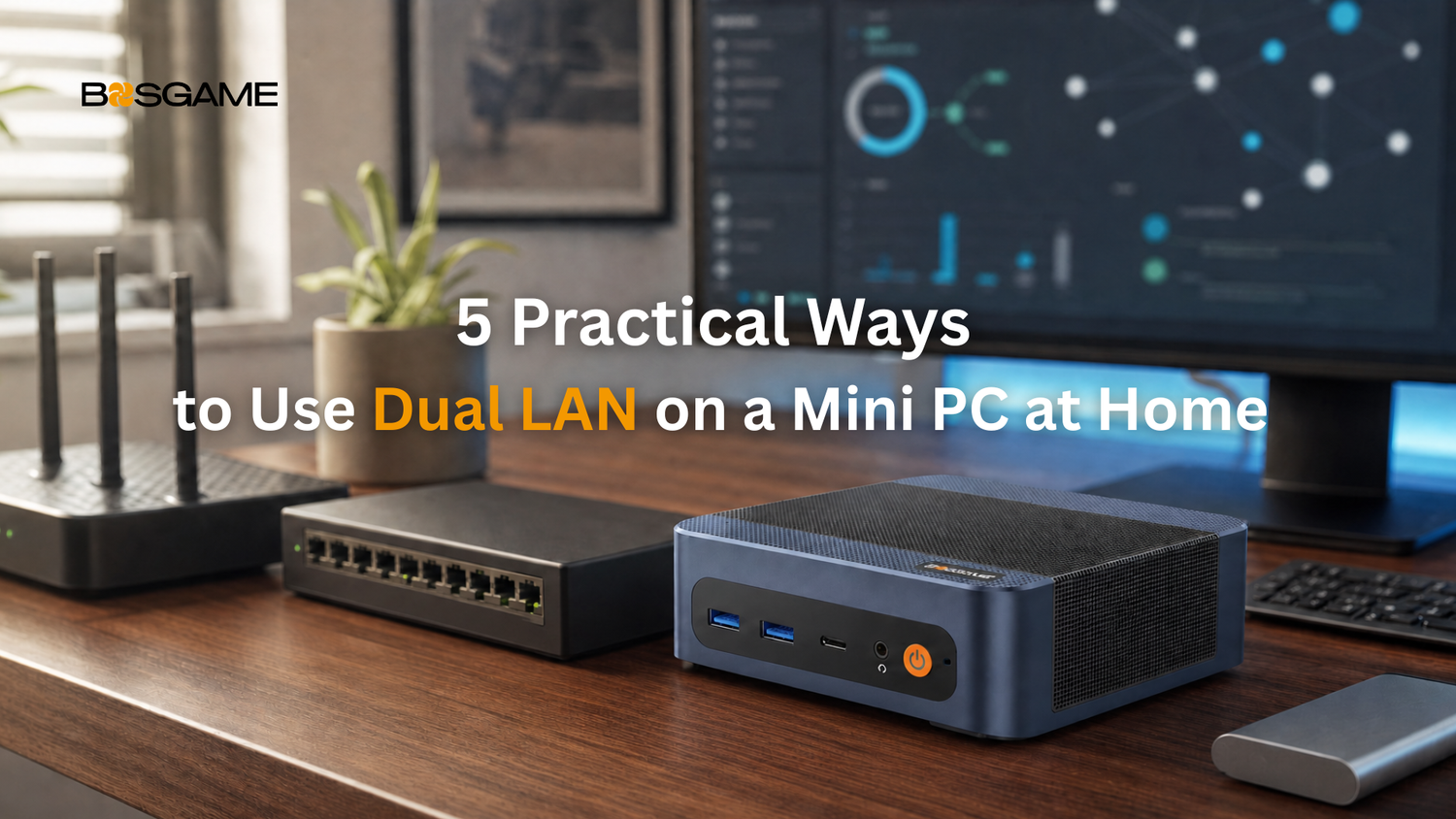
Many budget Mini PCs give you one Ethernet port. The BOSGAME E6 ECO gives you two (RTL8111), and if you're the type who cares about home networking, that's not a small thing.
Dual LAN provides two physical network interfaces. Features such as failover, network segmentation, VLANs, link aggregation, and software routing depend on the operating system, compatible networking hardware, third-party software, and user configuration. Even so, two physical Ethernet ports can make a range of home networking and homelab projects more practical to set up.
The BOSGAME E6 ECO is designed first for efficient everyday computing. Its Intel Core 3 processor 304 platform has a 15W base power rating, while its dual-heat-pipe cooling design and hydraulic-bearing fan are intended to keep everyday operation quiet. For users planning light, always-on projects, those traits can make it a practical, compact PC to consider.
Here are five practical ways people use dual LAN at home.
1. Backup Internet Connection
If your internet goes down, so does everything else. A second LAN port gives this Mini PC a place to plug in a backup connection, a second wired ISP line, or an Ethernet-capable cellular gateway.
For real failover across your whole home network, it's best to configure this at the router or firewall level rather than relying on Windows alone. Windows can prioritize one connection over another, but it isn't built to manage full WAN failover for other devices on your network. Think of this as a backup path for the Mini PC itself, with router-level failover as the more robust option for whole-home coverage.
2. Network Segmentation
Not every device on your network needs equal access. Smart TVs, cameras, and IoT gadgets often have weaker security than your laptop or phone, and one compromised device shouldn't put everything else at risk.
Two Ethernet ports can provide the physical interfaces needed for a segmented setup, but real isolation still depends on separate subnets, VLANs, firewall rules, and correct routing, not just plugging in a second cable. Done properly, segmentation adds a layer of protection without depending on a single wireless connection for every device.
3. A Small Firewall or Router Box
Many homelab enthusiasts choose to repurpose small, efficient PCs as dedicated firewall or router boxes. Community projects like pfSense and OPNsense are popular choices for this kind of setup, and a compact, low-power Mini PC with two physical Ethernet interfaces is a reasonable starting point for that kind of build.
To be clear, the E6 ECO doesn't come with firewall software pre-installed, and BOSGAME does not certify or officially support this use case. Setting up pfSense or OPNsense is a DIY project, not something that works out of the box. Compatibility, driver support, and performance should be verified by the user before deployment.
4. A Lightweight File Server or Backup Box
Two Ethernet ports can also be useful for networked storage setups. Some users connect a Mini PC to their network as a lightweight file server or backup destination, using one connection for the primary network and reserving the second for a separate management, backup, or isolated network path.
Two standard Gigabit ports don't automatically create link redundancy; that typically requires NIC teaming or LACP, along with a compatible managed switch and driver support. While the E6 ECO isn't intended to replace a dedicated enterprise NAS, some users may use its dual Ethernet ports in lightweight file server or backup scenarios, storing family photos, backing up laptops, or hosting a small media library.
5. A Home Lab Hub
For the more adventurous, dual LAN is often a useful building block for a home lab setup, running self-hosted services like Pi-hole, Home Assistant, or a small media server. Dual LAN gives homelab users more flexibility to build separate network paths or segments, depending on their virtualization, VLAN, and firewall configuration.
It's a hobby that's grown a lot in communities like r/homelab and r/MiniPCs, and a compact, energy-efficient Mini PC with two Ethernet ports is exactly the kind of hardware that crowd tends to reach for.
Small Port, Big Flexibility
Most people will never touch a firewall config or spin up a home lab, and that's fine. The E6 ECO is built first as an everyday computer for work, study, and streaming. But for the home networking crowd, that second Ethernet port is a useful option to have if your needs expand over time.
Explore More at BOSGAME's official online store.
FAQ
Q1: Do I need networking experience to use a second LAN port?
For basic wired networking, no. But dual-WAN failover, segmentation, and firewall projects require compatible networking equipment and some configuration experience.
Q2: Does the E6 ECO support pfSense or OPNsense out of the box?
No. The E6 ECO ships with Windows 11 and also supports Ubuntu. Running firewall software like pfSense is a community-driven project some users set up themselves. It isn't something BOSGAME configures or officially supports. Compatibility and performance should be verified before deployment.
Q3: Can the E6 ECO fully replace a NAS?
Not really. It's not designed to replace a dedicated enterprise NAS. Some users use its dual Ethernet ports for lightweight file server or backup tasks, but if you need serious storage capacity or true link redundancy, a purpose-built NAS with supported NIC teaming is still the better tool.
Q4: What's the difference between backup internet and network segmentation?
Backup internet uses the second port to keep you online if your main connection drops. Segmentation uses it to separate devices onto different networks for security. They can coexist in a properly designed router or firewall setup, but doing so requires separate network paths and deliberate routing and firewall rules.
Q5: Is dual LAN useful if I'm not into homelabs or networking?
Not day-to-day. Most people won't touch these setups. But it's a nice option to have if your needs grow later without buying extra networking hardware.


Leave a comment
All comments are moderated before being published.
This site is protected by hCaptcha and the hCaptcha Privacy Policy and Terms of Service apply.