
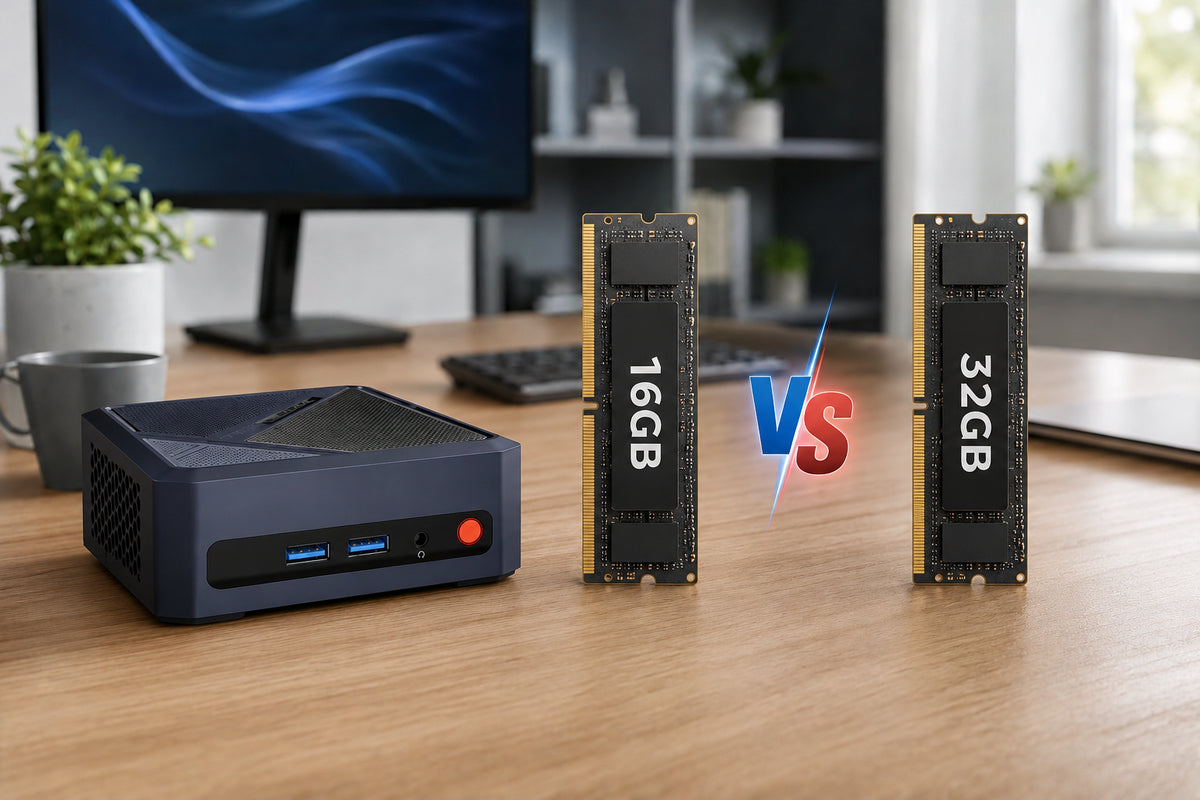
When purchasing a computer, the amount of RAM is undoubtedly one of the most critical specifications. Are you struggling to decide how much memory you need? 16GB and 32GB are the most common options on the market—but how much RAM do you actually require? Read this guide and it will help to find right memory configurations for you.
What Does RAM Mean in a Mini PC?
RAM is your mini PC’s short-term workspace. It holds the apps, browser tabs and files you are using right now, so the processor can reach them quickly. When RAM runs short, the system slows down.
Mini PCs add one more role. Most use integrated graphics, which have no dedicated video memory and instead borrow a portion of system RAM. That means RAM is shared between the system and the GPU: more capacity leaves more room for both. That is why RAM affects graphics-heavy tasks like gaming and video editing, not just multitasking.
When 16GB Is Enough
For most people, 16GB covers everyday mini PC use with room to spare. Here are the typical cases.
Office Work, Web Browsing and Video Calls
Documents, spreadsheets, email, a browser with a dozen or so tabs and a video call running at the same time all fit comfortably within 16GB. Modern browsers use a lot of memory, but this kind of workload rarely pushes a 16GB system to its limit.
4K Video Playback and Light Multitasking
Streaming 4K video relies mostly on the processor’s built-in hardware decoding, so it needs little extra memory. That leaves enough RAM to browse, chat or work in another window while a video plays, without noticeable slowdown.
Casual Gaming
For esports titles, older games and lighter modern games at moderate settings, 16GB is usually enough. In these cases, graphics performance is limited more by the integrated GPU than by RAM. If you want to play demanding recent titles, a more powerful GPU will matter more than going from 16GB to 32GB.
When 32GB Is Worth It
If your workload regularly pushes past 16GB, 32GB RAM pays off in smoother performance and fewer slowdowns. These are the most common cases.
Many Browser Tabs and Multiple Apps at Once
Heavy multitaskers often keep dozens of tabs, a few office apps, chat tools and background software open together. Once 16GB fills up, the system starts swapping data to storage and slows down. 32GB provides more memory headroom, helping reduce slowdowns caused by memory pressure when running many applications simultaneously.
Virtual Machines and Docker
Each virtual machine or container consumes a certain amount of memory, so memory usage can quickly add up. Running multiple virtual machines or containers simultaneously might overwhelm 16GB of RAM; with 32GB of RAM, however, your system will still run smoothly even while more virtual machines or containers are active.
Video Editing and Creative Work
Editing high-resolution video, working with large photo files or running design software with big projects all use a lot of memory. 32GB RAM helps these tasks stay responsive, especially when several creative apps are open together.
16GB vs 32GB RAM at a Glance
|
RAM |
16GB |
32GB |
|
Best for |
Everyday computing |
Demanding workloads |
|
Typical uses |
Office work, web browsing, video calls, 4K streaming, casual gaming, light multitasking |
Virtual machines, |
|
Multitasking |
Handles a browser with several tabs plus a few apps comfortably |
Keeps many apps, tabs and background tasks running without slowing down |
|
Price difference |
Usually lower |
Usually higher |
What Else Matters Besides RAM Capacity of a Mini PC?
Beyond capacity, a few RAM details can change which option makes more sense. Therefore, let's learn about them.
The Upgradability of RAM
This is the most important thing to check before you buy. Some mini PCs use SO-DIMM slots, so you can replace or add memory later. Others use soldered memory, such as LPDDR5X, which is fixed at the factory and cannot be changed. The 16GB and 32GB versions of the same model follow the same rule, so check the spec sheet for the memory type and the maximum supported capacity.
Dual-Channel Memory
On mini PCs that support dual-channel memory, installing two compatible modules, such as 2×8GB, can increase memory bandwidth compared with a single module of the same total capacity. This can benefit integrated graphics performance in some workloads, although the actual improvement depends on the processor and application.
16GB vs 32GB RAM for Mini PC: Which Should You Choose?
Deciding between 16GB and 32GB of RAM largely depends on your specific workload and the memory configuration of your mini PC. If your typical workload is relatively light, 16GB is sufficient for most users; however, for heavier workloads, opting for 32GB or more is recommended.
Furthermore, if your mini PC supports user-upgradeable SO-DIMM memory, starting with 16GB may be a cost-effective option. Before buying, check the number of available slots, the maximum supported capacity, and whether upgrading later would require replacing existing modules. If the memory is onboard (soldered), consider 32GB if you expect to run demanding applications or want more room for future workloads, since you cannot upgrade the capacity later.
Conclusion
The right amount of RAM isn’t about picking the bigger number. It’s about matching memory to how you actually work, and leaving yourself room to grow. A mini PC with upgradable SO-DIMM slots lets you start lean and expand later, while a soldered design rewards choosing carefully on day one. Either way, the best configuration is the one you stop thinking about, because it keeps up with you. Explore BOSGAME mini PCs to find the setup that fits your workload.


Leave a comment
All comments are moderated before being published.
This site is protected by hCaptcha and the hCaptcha Privacy Policy and Terms of Service apply.